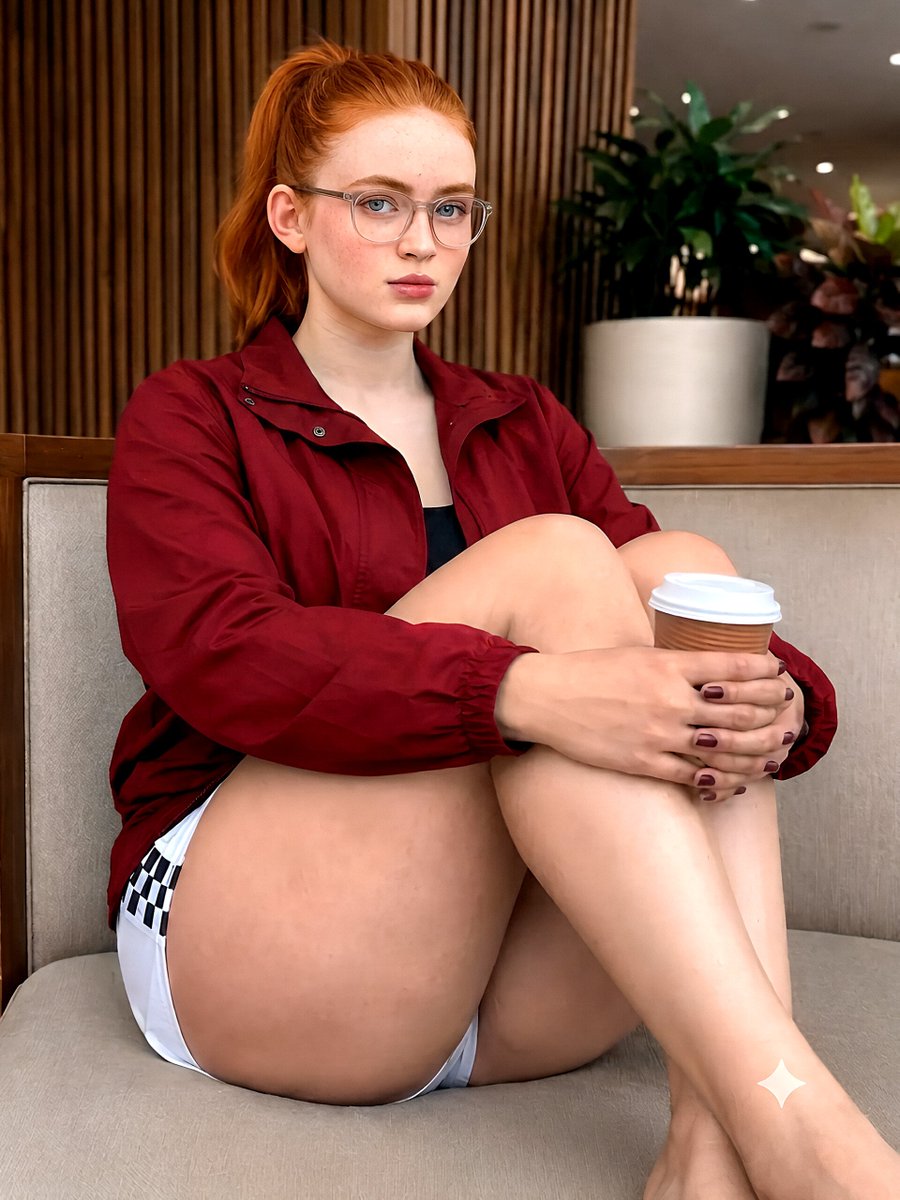
Result 1Gemini
A photorealistic lifestyle prompt generating a portrait of a young woman relaxing in an upscale café lounge holding a coffee cup, with warm ambient lighting, polished editorial style, and an 85mm lens.
These example images come from the original source. DROPIDEA has not independently tested these examples; results depend on the model and settings.
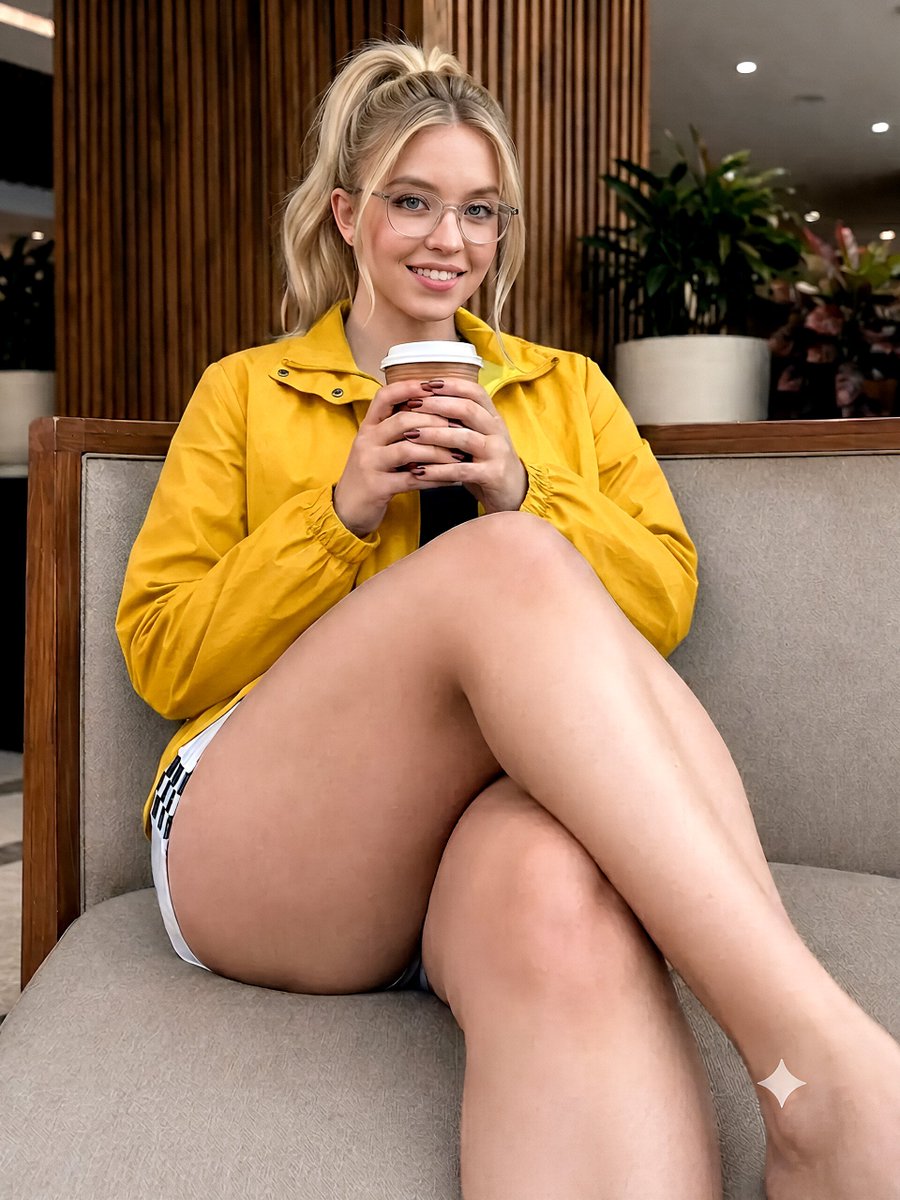
Replace the red variables with your information. Copy the full prompt and use it with your preferred agent.
copper-redThe subject's main hair color.
In the 'Subject description' section — the phrase 'copper-red'.
Example valueash blonde
deep burgundyThe color of the zip-up jacket.
In 'Clothing and accessories' — the phrase 'deep burgundy'.
Example valuedark olive green
café loungeThe type of indoor setting.
Opening paragraph and the 'Environment and lighting' section — 'café lounge'.
Example valuea quiet garden-style café
thin rectangular transparent-frame eyeglassesThe style of eyeglasses.
In 'Clothing and accessories' — 'thin rectangular transparent-frame eyeglasses'.
Example valueround thin black-frame glasses
takeaway coffee cupThe drink the subject holds.
In 'Clothing and accessories' and the lens-focus phrase — 'takeaway coffee cup'.
Example valuea green tea cup with a white lid
A photographic prompt crafted to generate hyper-realistic, unposed smartphone snapshots taken by a friend at a nigh...
Prompt generating an ultra-realistic photo of a young man wearing white Shalwar Kameez by a lake at sunset, specify...
An advanced cinematic AI video prompt crafting a 15-second seamless loop psychedelic Japanese horror music video fe...
Prompt to generate a photorealistic character reference sheet for a young medieval village woman featuring multi-an...