Result 1OpenAI
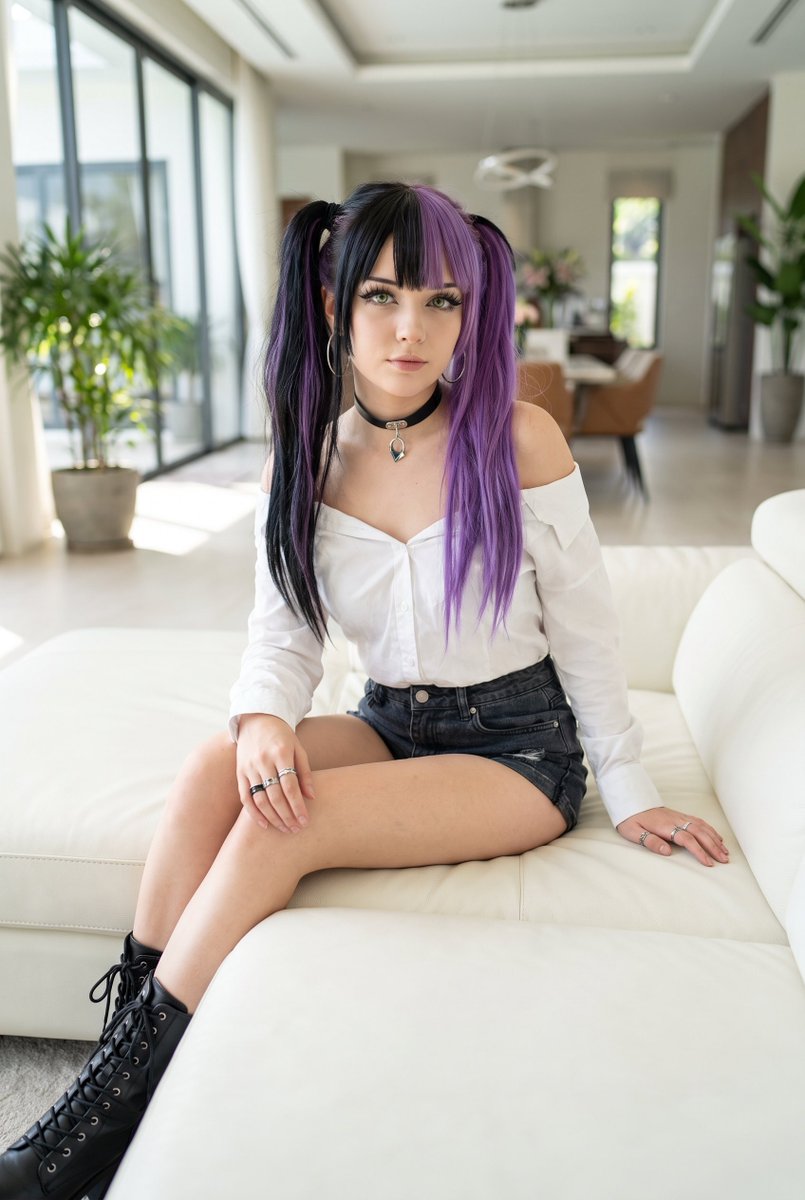
A meticulously detailed prompt designed for photorealistic cosplay portraits featuring high-end camera aesthetics, complex character styling, and luxury interior settings.
These example images come from the original source. DROPIDEA has not independently tested these examples; results depend on the model and settings.
Replace the red variables with your information. Copy the full prompt and use it with your preferred agent.
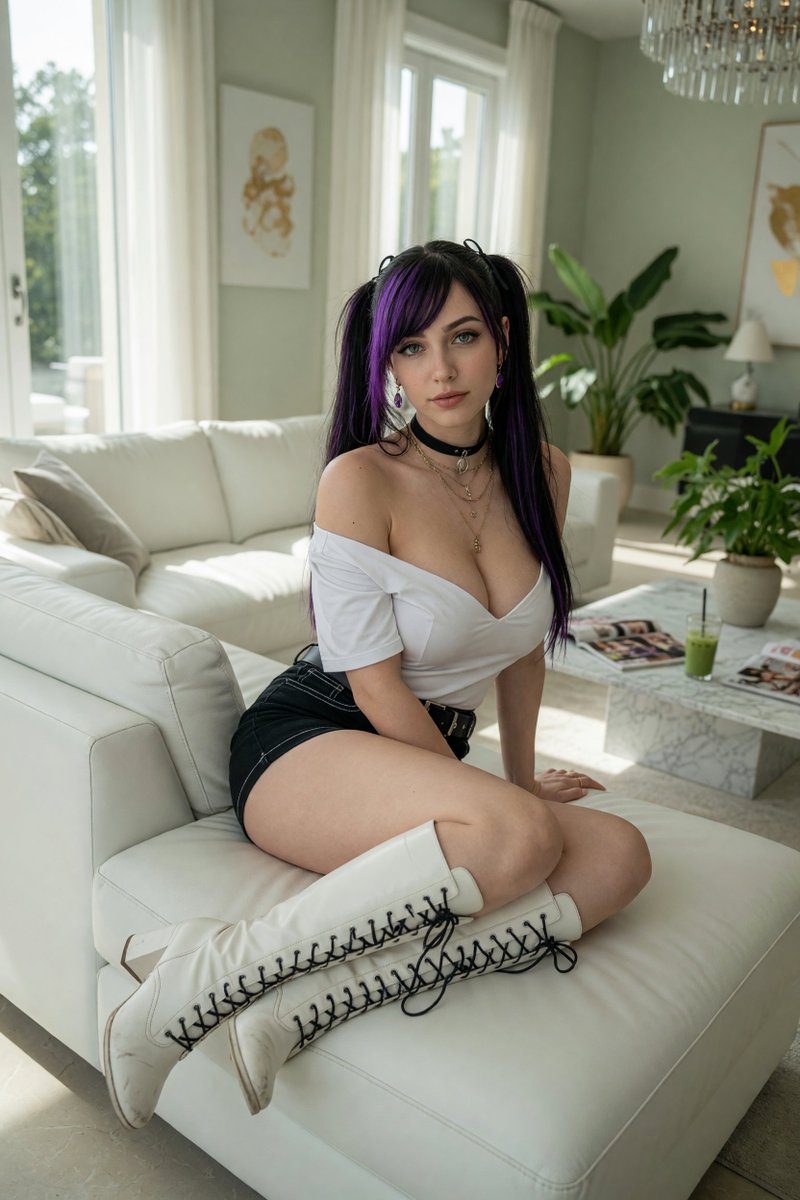
asymmetrical bangs, twintails, green eyes, long hair, off shoulder, collarbone, large bust, eyelashes, black hair, purple hairCharacter hair style and color attributes
Within the [Theme] section describing character appearance
Example valueasymmetrical bangs, twintails, green eyes, long hair, off shoulder, collarbone, large bust, eyelashes, black hair, purple hair
boots, choker, shirt, earrings, shorts, off-shoulder shirt, short sleeves, cross-laced footwearClothing and accessory specifications
Within the [Theme] section describing costume elements
Example valueboots, choker, shirt, earrings, shorts, off-shoulder shirt, short sleeves, cross-laced footwear
sitting on white leather sofa, solo, luxury villa living room backgroundSubject pose and background environment
Within the [Theme] section setting the background and pose
Example valuesitting on white leather sofa, solo, luxury villa living room background
(dutch angle:1.2)Dutch angle framing tag and weight
At the end of the [Theme] section
Example value(dutch angle:1.2)
A photographic prompt crafted to generate hyper-realistic, unposed smartphone snapshots taken by a friend at a nigh...
Prompt generating an ultra-realistic photo of a young man wearing white Shalwar Kameez by a lake at sunset, specify...
An advanced cinematic AI video prompt crafting a 15-second seamless loop psychedelic Japanese horror music video fe...
Prompt to generate a photorealistic character reference sheet for a young medieval village woman featuring multi-an...