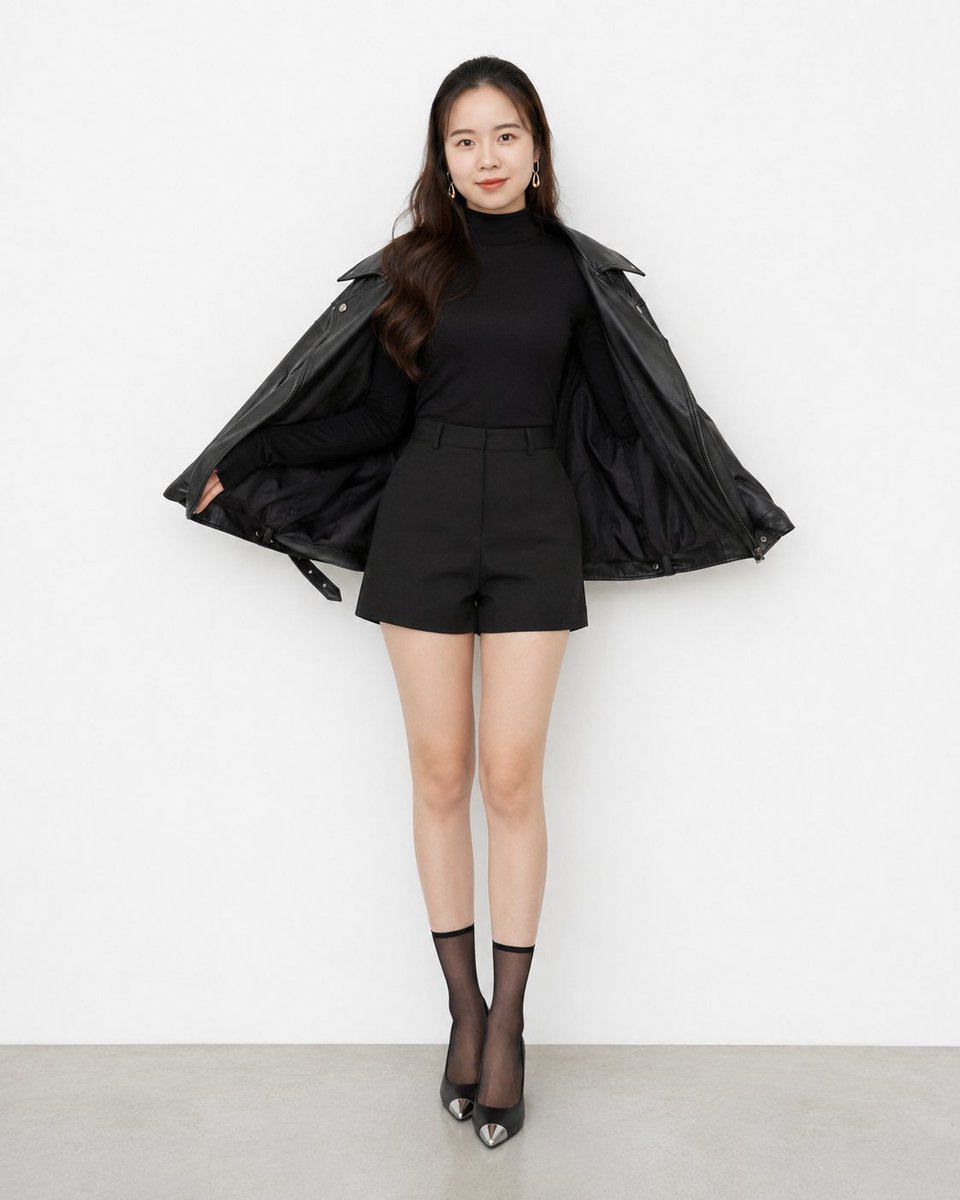
Result 1Midjourney
A ready-to-use English prompt replicating a tall, slender fashion model in an all-black outfit against a seamless white studio background, with professional softbox lighting, recommended Midjourney parameters, and a negative prompt to avoid distortions.
These example images come from the original source. DROPIDEA has not independently tested these examples; results depend on the model and settings.
Replace the red variables with your information. Copy the full prompt and use it with your preferred agent.
East AsianThe model's apparent ethnicity; change it for a different look.
Inside the English core prompt in the phrase: a tall, slender young adult East Asian fashion model.
Example valueScandinavian
dark brownThe model's long wavy hair color.
Inside the English core prompt in the phrase: long, voluminous dark brown hair.
Example valuejet black
all-blackThe monochromatic color theme of the look.
Inside the English core prompt in the phrase: monochromatic all-black outfit.
Example valueall-white
plain white backgroundThe studio background description.
Inside the English core prompt in the phrase: seamless plain white background.
Example valueplain beige background
--ar 4:5Image aspect ratio; keeping 4:5 is recommended.
Recommended Parameters section, line `--ar 4:5`.
Example value--ar 3:4
A prompt for creating a premium vertical four-panel streetwear campaign collage from an uploaded facial identity re...
A photorealistic image-generation prompt for a vertical summer portrait of a fictional adult Japanese woman in a st...
A prompt for a photorealistic fantasy fashion portrait featuring a woman with elven details, black and orange cloth...
An ultra-photorealistic fashion editorial prompt featuring a low-angle outdoor portrait in a suburban setting with...