Skip to content
ImagesFree

Negative Prompt List for Realistic Photography

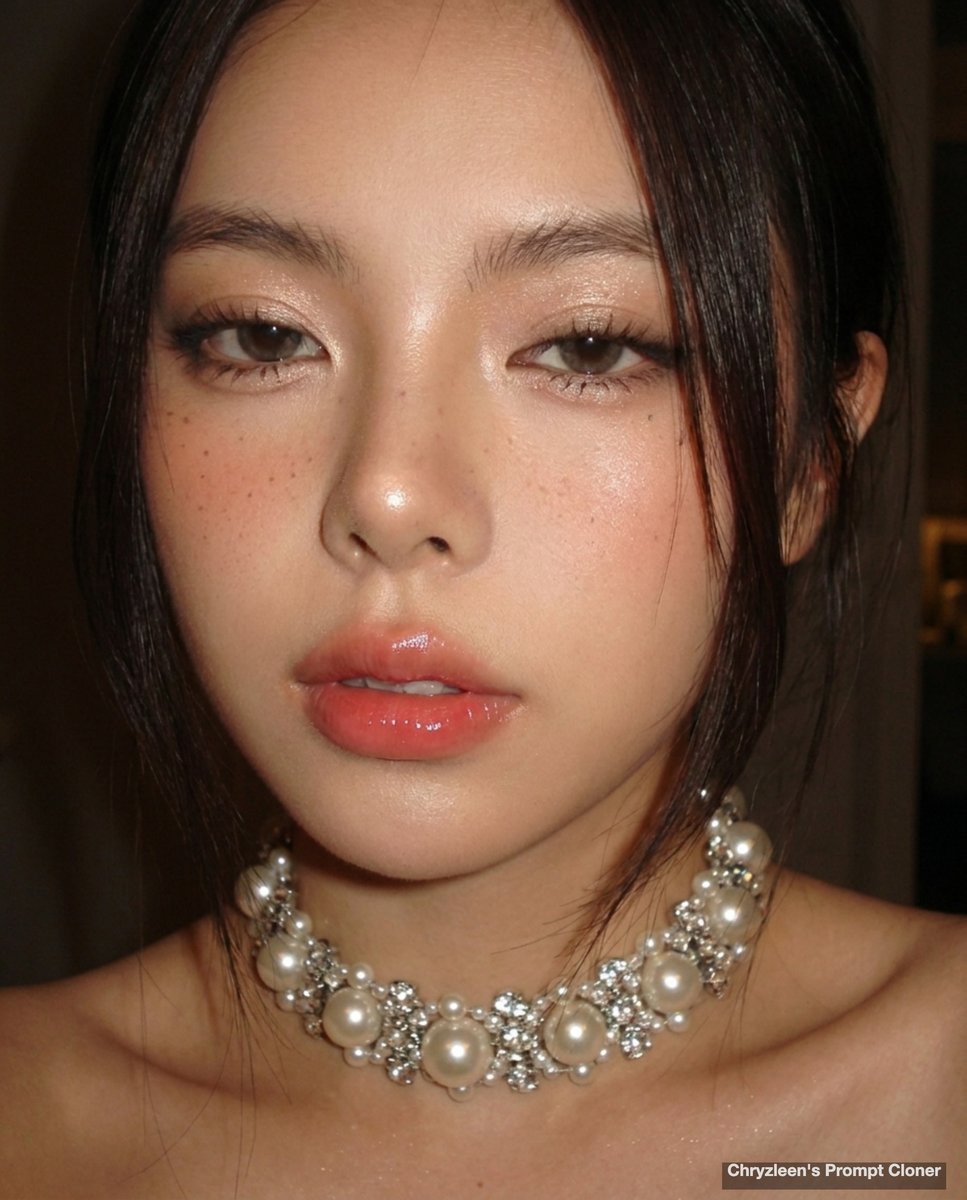
A ready-to-use negative prompt for image generators to prevent modern digital rendering flaws such as excessive clarity, plastic skin, harsh flash, distorted faces, text, and watermarks.

Image generation

Source previews

These example images come from the original source. DROPIDEA has not independently tested these examples; results depend on the model and settings.

Ready to personalize

Your prompt

English

Replace the red variables with your information. Copy the full prompt and use it with your preferred agent.

TXT MD English version
modern smartphone HDR, DSLR bokeh, cinematic grading, excessive clarity, ultra-detailed sharpness, clinical digital rendering, crushed blacks, high-contrast shadows, dull makeup, deep terracotta lips, orange fake tan, pale lifeless skin, oily skin, plastic skin, beauty filter, waxy face, over-smoothed skin, harsh flash, overexposed highlights, stiff pose, AI fashion pose, distorted face, duplicated facial features, text, watermark.
Preview results

Your prompt

modern smartphone HDR, DSLR bokeh, cinematic grading, excessive clarity, ultra-detailed sharpness, clinical digital rendering, crushed blacks, high-contrast shadows, dull makeup, deep terracotta lips, orange fake tan, pale lifeless skin, oily skin, plastic skin, beauty filter, waxy face, over-smoothed skin, harsh flash, overexposed highlights, stiff pose, AI fashion pose, distorted face, duplicated facial features, text, watermark.

What you get

  • A comprehensive negative prompt targeting smart HDR and clinical digital rendering flaws.
  • Prevention of oily, plastic skin, dull makeup, and waxy faces.
  • Avoidance of harsh flash, overexposed highlights, and crushed blacks.
  • Exclusion of distortions such as distorted faces and duplicated facial features.
  • Removal of text and watermarks from results.

Use cases

  • Realistic high-quality portrait photography.
  • Natural-looking professional fashion images.
  • Improving realism of AI-generated scenes.
  • Removing filter-like over-processed looks from images.

How to use

  • Copy the original English prompt and paste it into the Negative Prompt field of your image generation tool.
  • Add a positive prompt describing your desired subject, such as a realistic portrait or fashion shot.
  • Set CFG and step count according to your tool's recommendations before generating.
  • Compare results with and without this negative prompt to confirm the targeted flaws disappear.
  • Edit or remove specific terms if you intentionally want to keep a look such as bokeh or cinematic grading.

Related prompts