Skip to content
ImagesFree

Cinematic Rendering with Dense Fog Layers

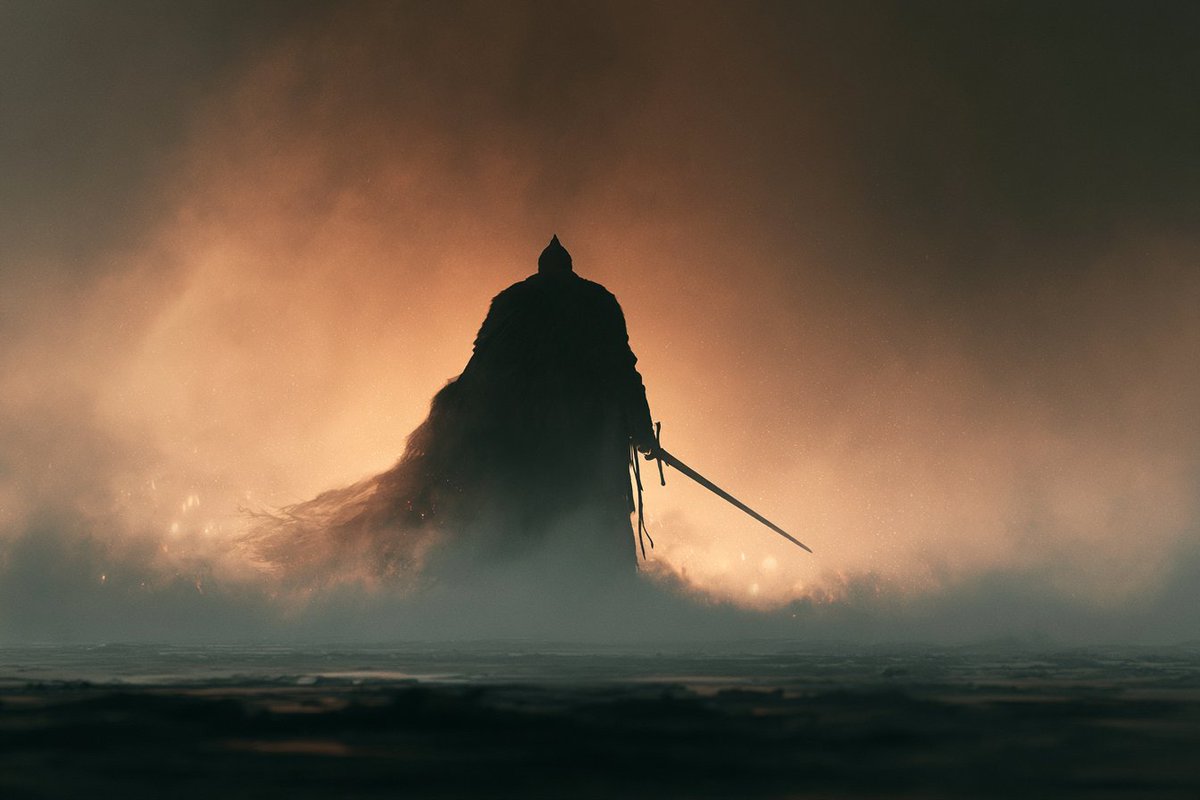
A cinematic rendering of a subject illuminated by a chosen lighting style, with dense fog breaking the scene into atmospheric layers, warm backlighting, subtle glowing particles, deep shadows, and a mysterious dramatic mood.

Image generation

Source previews

These example images come from the original source. DROPIDEA has not independently tested these examples; results depend on the model and settings.
Ready to personalize

Your prompt

English

Replace the red variables with your information. Copy the full prompt and use it with your preferred agent.

TXT MD English version
A cinematic rendering of the [subject] illuminated by [lighting style], with dense fog breaking the scene into atmospheric layers, warm backlighting, subtle glowing particles, deep shadows, cinematic depth, mysterious mood, dramatic atmosphere Try it and share yours ✨
Preview results

Your prompt

A cinematic rendering of the [subject] illuminated by [lighting style], with dense fog breaking the scene into atmospheric layers, warm backlighting, subtle glowing particles, deep shadows, cinematic depth, mysterious mood, dramatic atmosphere Try it and share yours ✨

Variable guide

[subject]

The main subject of the image

Replace [subject] at the start of the template.

Example value

A lone ancient warrior standing

[lighting style]

The lighting style used

Replace [lighting style] appearing after 'lighting style' phrasing in the template.

Example value

Cold blue moonlight

What you get

  • A cinematic-looking image with dense fog layering the scene atmospherically.
  • Warm backlighting and subtle glowing particles adding visual depth.
  • Deep shadows and cinematic depth enhancing the sense of mystery.
  • A mysterious, dramatic atmosphere suitable for artistic scenes.

Use cases

  • Movie posters or novel covers.
  • Dramatic website backgrounds and social media visuals.
  • Conceptual artwork and visual key scenes.
  • Marketing designs needing a mysterious cinematic mood.

How to use

  • Copy the template and replace [subject] with your desired main subject, such as a person, building, or landscape.
  • Replace [lighting style] with your preferred lighting approach, e.g. cold blue moonlight or golden sunset glow.
  • Send the completed prompt to your image generation model.
  • Optionally tweak the mood words while keeping the other artistic descriptors intact.
  • Experiment with different subjects and lighting styles for multiple variations.
  • Share the result you like best.

Related prompts