Skip to content
ImagesFree

Negative Style List for Clean Images

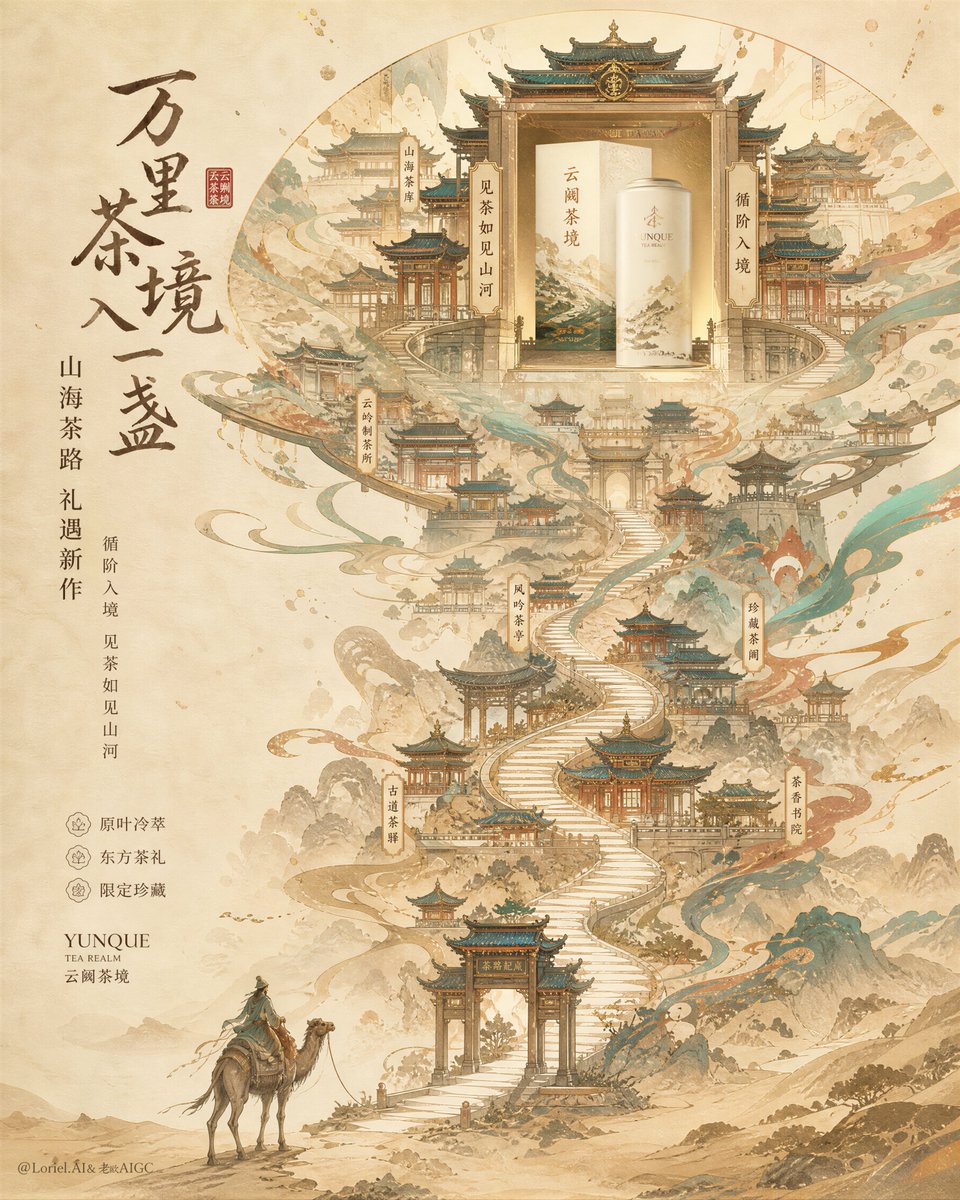
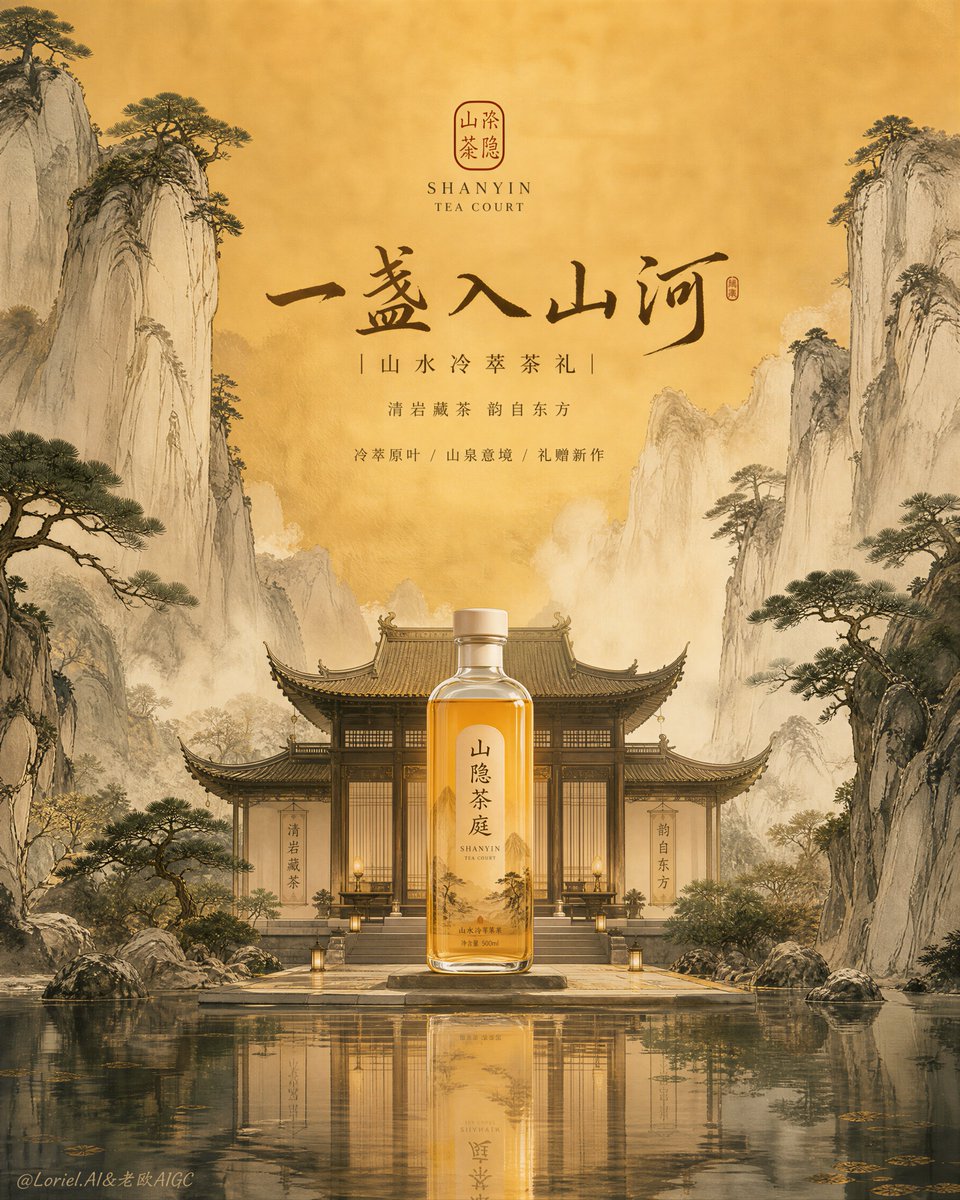
A negative prompt excluding cheap and noisy styles such as crude watercolor, plastic textures, and low-end fonts to ensure a clean professional final image.

OpenAI

Source previews

These example images come from the original source. DROPIDEA has not independently tested these examples; results depend on the model and settings.
Ready to personalize

Your prompt

English

Replace the red variables with your information. Copy the full prompt and use it with your preferred agent.

TXT MD English version
copied original text, western watercolor, thick paint, heavy color blocks, strong contrast lighting, plastic texture, oil painting look, hard studio reflections, cheap ecommerce fonts, crude bold black fonts, oversaturated colors, noisy image, messy perspective, low-end fantasy poster, cluttered background, cheap 3D render feeling, inconsistent brand elements
Preview results

Your prompt

copied original text, western watercolor, thick paint, heavy color blocks, strong contrast lighting, plastic texture, oil painting look, hard studio reflections, cheap ecommerce fonts, crude bold black fonts, oversaturated colors, noisy image, messy perspective, low-end fantasy poster, cluttered background, cheap 3D render feeling, inconsistent brand elements

What you get

  • A ready-to-use negative style list that prevents cheap, noisy appearances.
  • Exclusion of plastic textures, harsh reflections, and oversaturated colors.
  • A cleaner, more consistent image result with a professional identity.

Use cases

  • Improving product image quality for e-commerce.
  • Cleaning up posters and ad designs from a cheap look.
  • Ensuring brand consistency in marketing campaigns.
  • Removing noise and visual clutter from generated images.

How to use

  • Copy the list and paste it into the Negative Prompt field of your image generation tool.
  • Append it after your main descriptive prompt to exclude cheap and noisy styles.
  • Remove any item you do not want excluded, without altering the rest of the list.
  • Regenerate the image and inspect the result to confirm the targeted flaws are gone.
  • Iterate by adding or removing terms as your project requires.

Related prompts