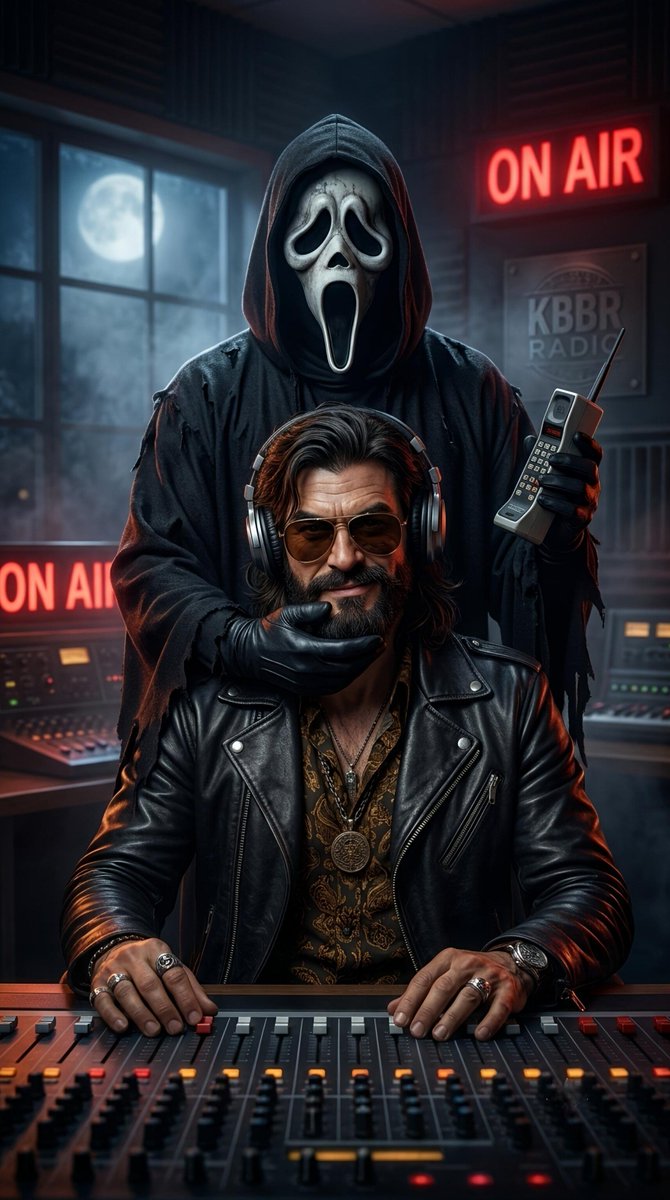
Result 1Image generation
Create an ultra-photorealistic cinematic horror portrait of the person from an uploaded reference image, featuring a recognizable horror icon such as Ghostface looming behind them in a nighttime location like a radio studio, with dramatic lighting and a vertical 9:16 composition.
These example images come from the original source. DROPIDEA has not independently tested these examples; results depend on the model and settings.
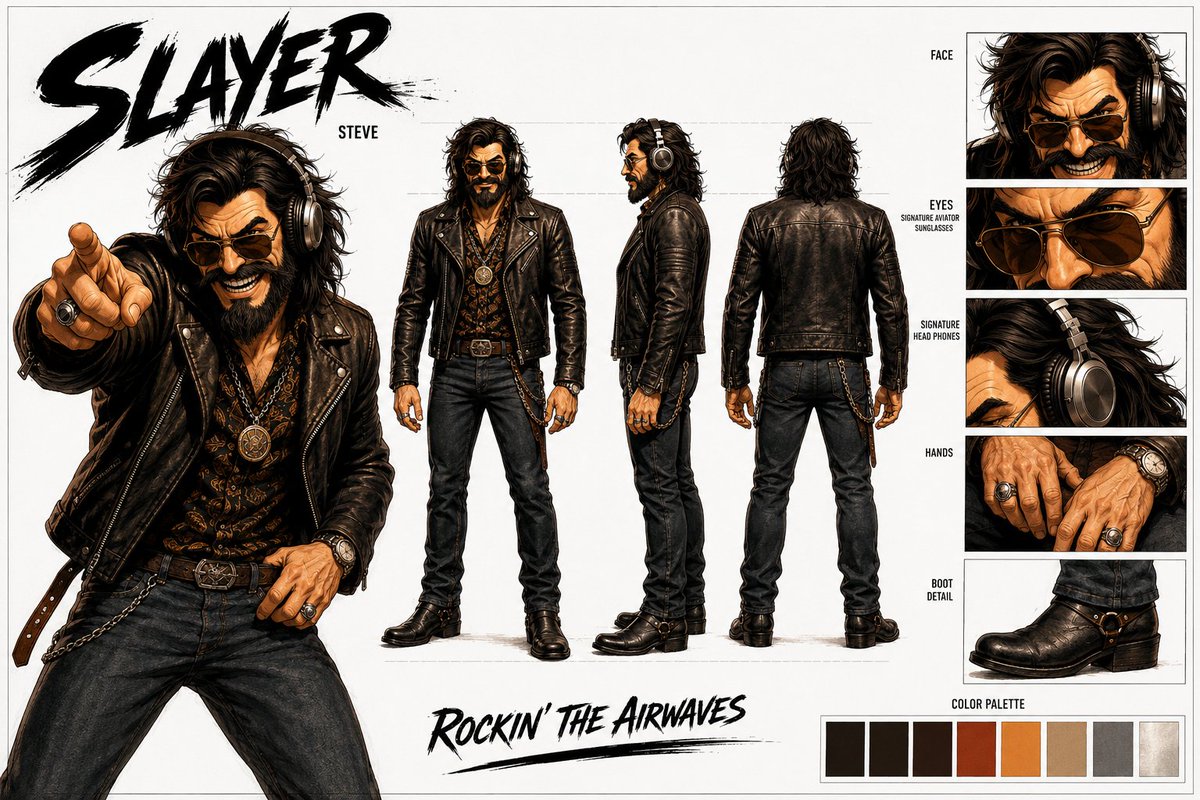
Replace the red variables with your information. Copy the full prompt and use it with your preferred agent.
[Ghostface]The horror icon appearing behind the subject.
Line starting with 'HORROR ICON:' in the template; replace [Ghostface].
Example valueGhostface
[In a KBBR RADIO broadcasting studio]The nighttime location of the scene.
Line starting with 'LOCATION:' in the template; replace [In a KBBR RADIO broadcasting studio].
Example valueIn an abandoned hospital hallway
]Dress the subject in the outfit from the reference image]The subject's outfit in the portrait.
Line starting with 'WARDROBE:' in the template; replace ]Dress the subject in the outfit from the reference image] keeping the reversed opening bracket.
Example valueDress the subject in the outfit from the reference image
A photographic prompt crafted to generate hyper-realistic, unposed smartphone snapshots taken by a friend at a nigh...
Prompt generating an ultra-realistic photo of a young man wearing white Shalwar Kameez by a lake at sunset, specify...
An advanced cinematic AI video prompt crafting a 15-second seamless loop psychedelic Japanese horror music video fe...
Prompt to generate a photorealistic character reference sheet for a young medieval village woman featuring multi-an...