Skip to content
ImagesFree

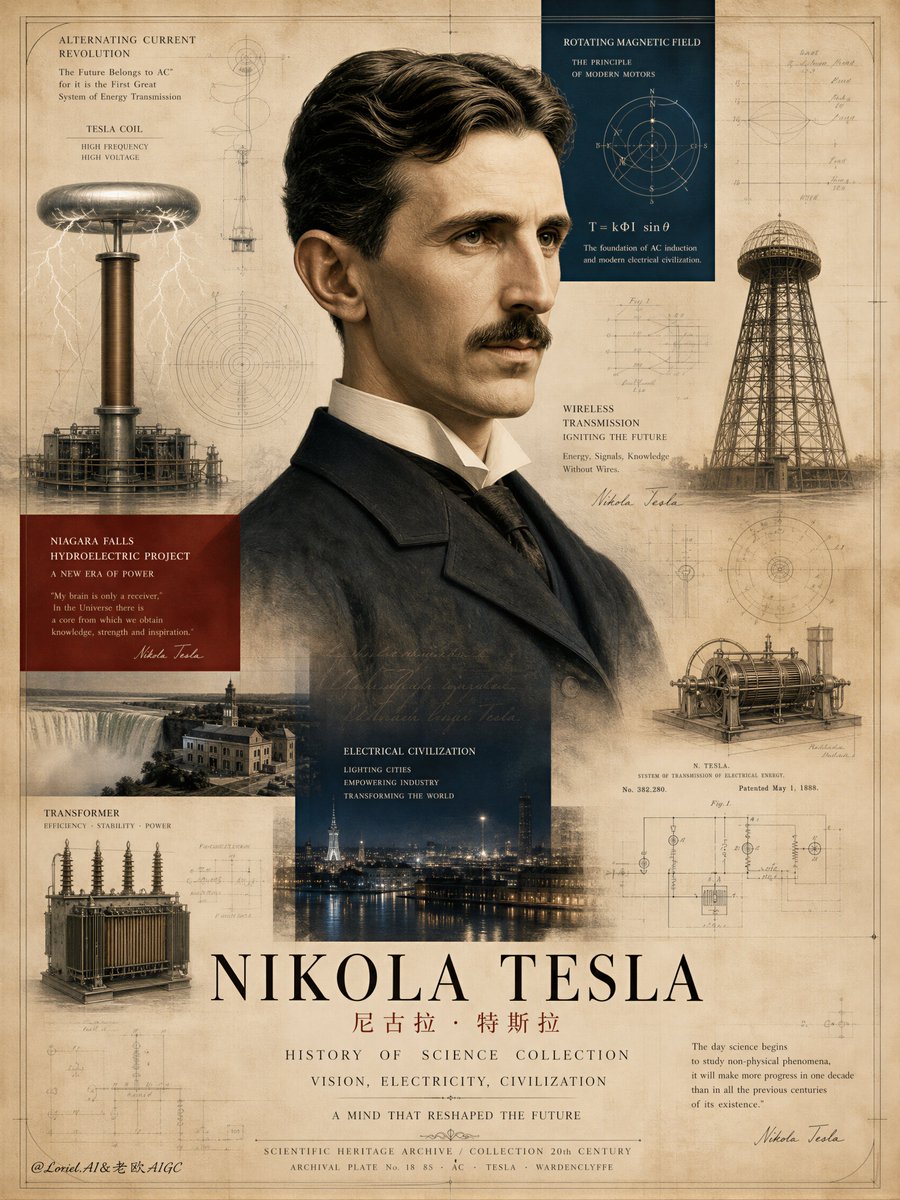
Cheap Educational Poster With Cartoon Scientist

A descriptive negative-style prompt for a cheap educational poster combining a cartoon scientist, messy collage, cyberpunk overload, loud typography and over-saturated colors with low-detail faces and a noisy background.

OpenAI

Source previews

These example images come from the original source. DROPIDEA has not independently tested these examples; results depend on the model and settings.

Ready to personalize

Your prompt

English

Replace the red variables with your information. Copy the full prompt and use it with your preferred agent.

TXT MD English version
cheap educational poster, cartoon scientist, messy collage, random sci-fi fantasy, cyberpunk overload, low-detail face, generic old man portrait, cluttered lab props, loud typography, over-saturated colors, comic-book electricity, fake historical costume, noisy background, low-end print design, decorative excess
Preview results

Your prompt

cheap educational poster, cartoon scientist, messy collage, random sci-fi fantasy, cyberpunk overload, low-detail face, generic old man portrait, cluttered lab props, loud typography, over-saturated colors, comic-book electricity, fake historical costume, noisy background, low-end print design, decorative excess

What you get

  • A cheap, over-the-top cartoon-style educational poster.
  • A cartoon scientist with a low-detail face in a cluttered lab.
  • A messy collage mixing sci-fi, fantasy, and cyberpunk overload.
  • Over-saturated colors, loud typography, and comic-book electricity.
  • A noisy background with decorative excess resembling low-end print design.

Use cases

  • Designing playful or satirical cheap-looking educational posters.
  • Placeholder visuals for mockups or parody of low-budget design.
  • Art assets for games or scenes needing exaggerated sci-fi posters.
  • Decorative backgrounds and additions for digital art projects.

How to use

  • Copy the template text and paste it into your preferred image generation tool.
  • Edit the creative elements such as character style, colors, or background items as needed.
  • If your model supports weights, adjust the strength of certain traits with numeric weights.
  • Add your own keywords for the final image style to steer the result.
  • Generate the image and iterate with small tweaks until you get the desired look.

Related prompts