Result 1Image generation
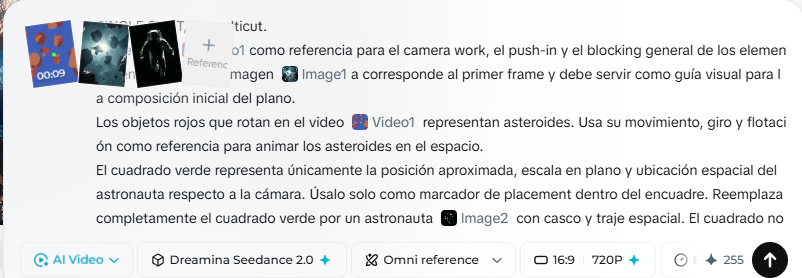
A single-shot video prompt guiding Seedance 2.0 to use a reference video for camera work and image1 as the first frame, replacing the green square with a floating astronaut among asteroids under cinematic backlighting.
These example images come from the original source. DROPIDEA has not independently tested these examples; results depend on the model and settings.

Replace the red variables with your information. Copy the full prompt and use it with your preferred agent.
astronautThe human subject replacing the green square; edit the text to swap the astronaut for another subject.
Every mention of the astronaut in the green square, scene description, and movement paragraphs.
Example valueA space exploration robot instead of the astronaut
green squareThe color of the placement marker in the reference video.
Every mention of the green square in the template.
Example valueThe blue square
red objectsThe color of the rotating objects representing asteroids.
The red objects paragraph in the template.
Example valueThe orange objects rotating in the video
A full 3-stage quadruped animation pipeline: generate an orthographic 2-view reference sheet, run headless Blender...
A prompt template for generating cute, anthropomorphic 3D food mascots featuring realistic textures, cinematic stud...
A detailed character reference sheet prompt generating multiple orthographic and close-up views of a gentle, pearl-...
A customizable 3D portrait depicts an ancient Chinese woman holding a flower near her face under soft backlighting.