Skip to content
ImagesFree

Negative Prompt List for Cheap Brochure Design

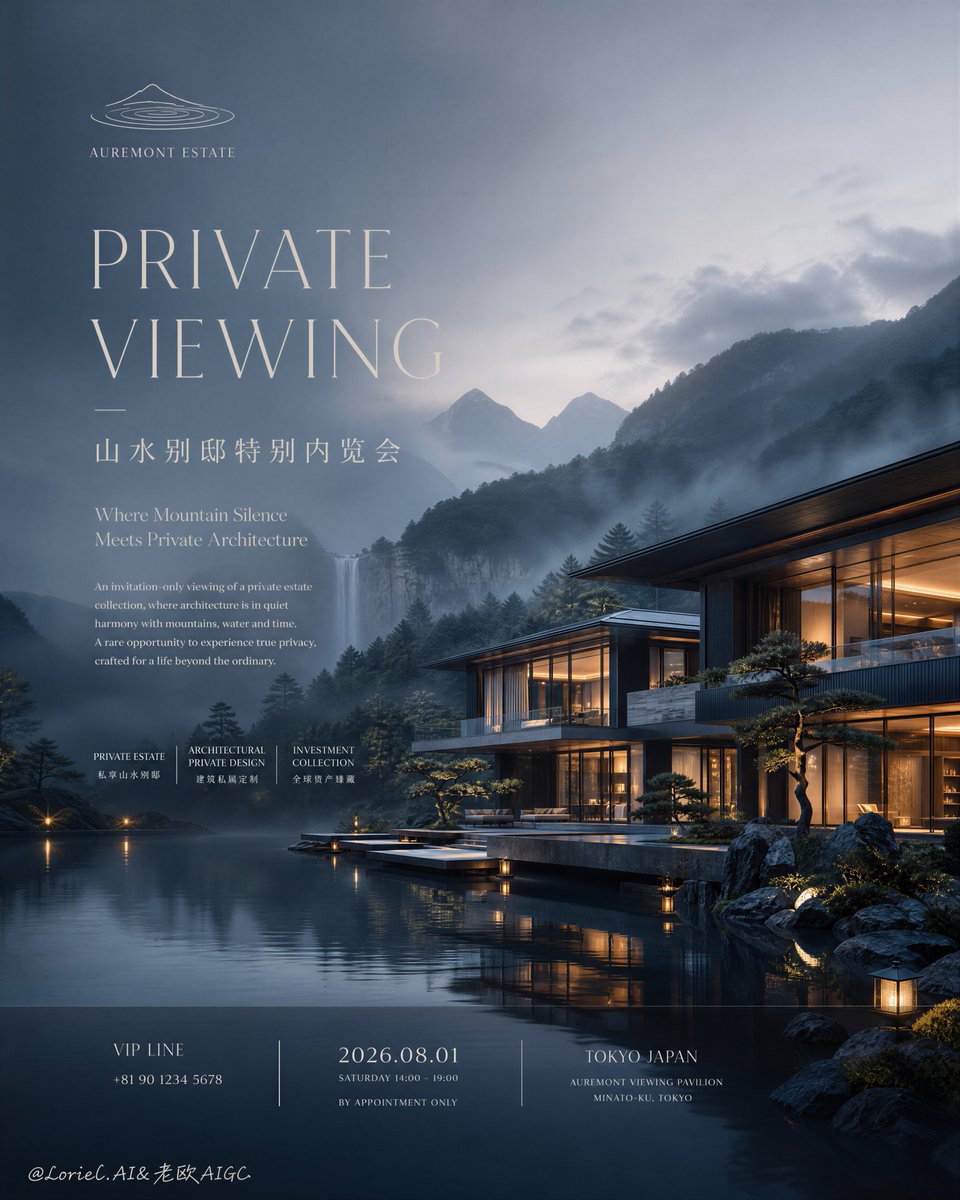
A negative prompt containing 17 negative descriptors that suppress cheap design traits such as oversized bold fonts, cluttered landscapes, plastic-looking water, and oversaturated skies, improving resort and architectural image results.

OpenAI

Source previews

These example images come from the original source. DROPIDEA has not independently tested these examples; results depend on the model and settings.

Ready to personalize

Your prompt

English

Replace the red variables with your information. Copy the full prompt and use it with your preferred agent.

TXT MD English version
cheap brochure design, oversized bold fonts, generic resort ad, fantasy palace, cluttered landscape, plastic-looking water, muddy mist, flat mountain background, mirror-like fake glass, messy text layout, low-detail architecture, harsh HDR, oversaturated sky, dirty shadows, random city elements, noisy composition, low-resolution rendering
Preview results

Your prompt

cheap brochure design, oversized bold fonts, generic resort ad, fantasy palace, cluttered landscape, plastic-looking water, muddy mist, flat mountain background, mirror-like fake glass, messy text layout, low-detail architecture, harsh HDR, oversaturated sky, dirty shadows, random city elements, noisy composition, low-resolution rendering

What you get

  • A single negative list containing 17 negative descriptors ready to paste.
  • Rejection of cheap design traits such as generic brochures, oversized bold fonts, and fantasy palaces.
  • Suppression of common visual flaws: plastic-looking water, muddy mist, dirty shadows, and oversaturated skies.
  • Technical terms such as HDR preserved unchanged.

Use cases

  • Improving the quality of resort advertisements and architectural scenes.
  • Cleaning poster and brochure generation results of a cheap look.
  • Reducing noise and cluttered compositions in landscape images.
  • Using it as a standard negative list for visual marketing projects.

How to use

  • Copy the full English text and paste it into the Negative Prompt field of your image generation tool.
  • Keep the items comma-separated exactly as listed, without reordering or removing any descriptor.
  • Write a precise positive prompt describing your desired scene before adding this negative list.
  • Increase the negative prompt weight if some flaws still appear despite using it.
  • Generate the image and compare results, rerunning with the same list for consistency.

Related prompts