Result 1Midjourney
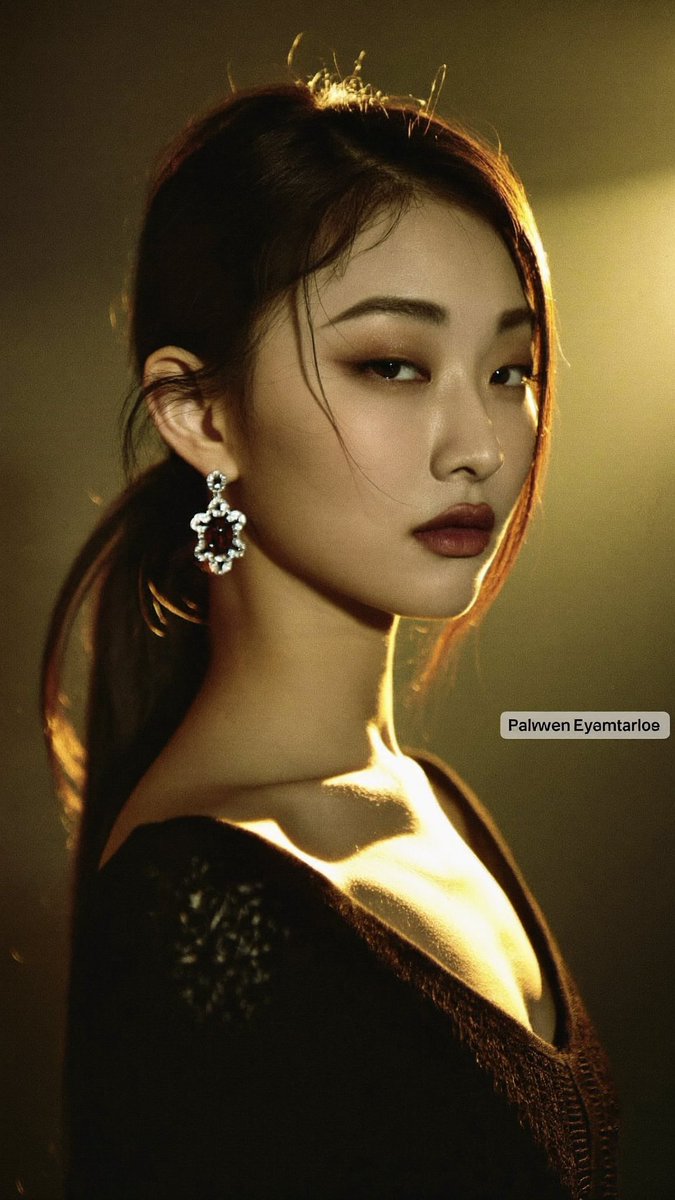
Photorealistic prompt for a cinematic close-up portrait of a young East Asian woman with dramatic golden rim lighting, 9:16 aspect ratio, 2K, for Grok Imagine, Midjourney, Flux and similar tools.
These example images come from the original source. DROPIDEA has not independently tested these examples; results depend on the model and settings.
Replace the red variables with your information. Copy the full prompt and use it with your preferred agent.
Dramatic warm golden spotlight from upper rightThe main scene lighting; replaceable with another lighting style.
Second paragraph: "Dramatic warm golden spotlight from upper right"
Example valueRembrandt lighting
Large ornate dangling oval crystal earring catching the light on her left earThe earring description; change type, size, or color.
End of first paragraph: "Large ornate dangling oval crystal earring catching the light on her left ear"
Example valueLarge ornate dangling gold hoop earring
Dark muted olive-brown backdropThe backdrop color; swap for another dark muted tone.
Second paragraph: "Dark muted olive-brown backdrop"
Example valueDeep charcoal grey backdrop
dark smoky eye makeup, full lips with muted dark berry lipstickEye and lip makeup description; edit to change the look.
First paragraph: "dark smoky eye makeup, full lips with muted dark berry lipstick"
Example valuebold red lipstick, winged eyeliner
A prompt for creating a premium vertical four-panel streetwear campaign collage from an uploaded facial identity re...
A photorealistic image-generation prompt for a vertical summer portrait of a fictional adult Japanese woman in a st...
A prompt for a photorealistic fantasy fashion portrait featuring a woman with elven details, black and orange cloth...
An ultra-photorealistic fashion editorial prompt featuring a low-angle outdoor portrait in a suburban setting with...