Skip to content
ImagesFree

Artistic Constraints: No Realism or Painterly Effects

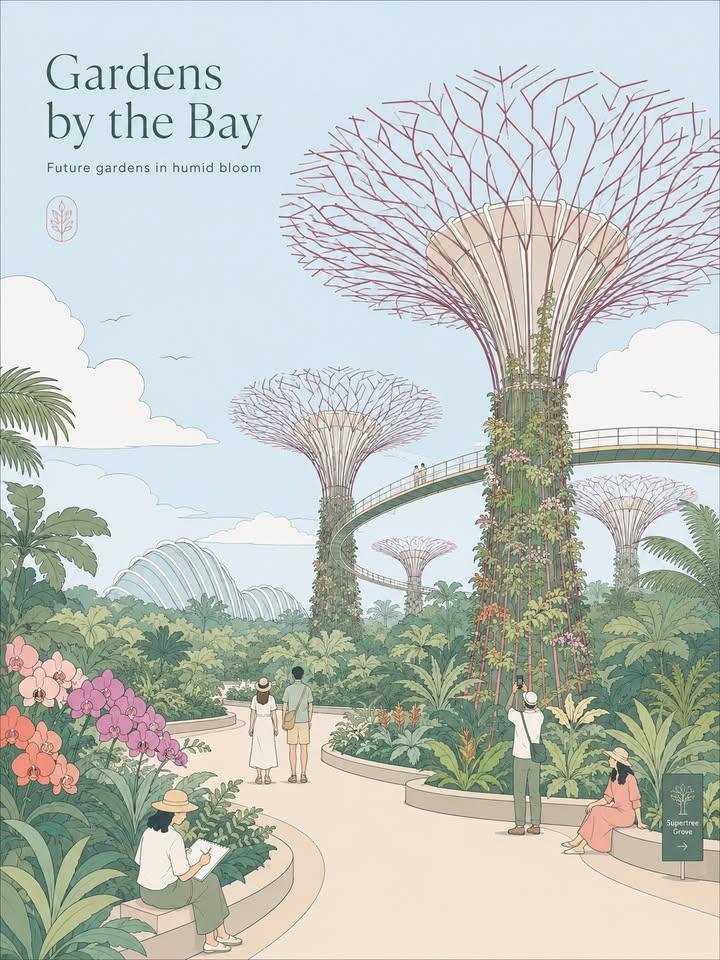
A negative-constraint list excluding realism, watercolor, painterly brush effects, photorealism, heavy shading, gradients, paper texture, dense backgrounds, repeated layouts, tourist collages, crowds, oversized people, and dramatic lighting.

OpenAI

Source previews

These example images come from the original source. DROPIDEA has not independently tested these examples; results depend on the model and settings.
Ready to personalize

Your prompt

English

Replace the red variables with your information. Copy the full prompt and use it with your preferred agent.

TXT MD English version
No realism. No watercolor. No painterly effects. No photorealism. No heavy shading. No gradients. No paper texture. No dense background. No repeated café-on-right layout. No repeated signboard-on-left layout. No generic tourist poster collage. No crowded street. No oversized people. No dramatic lighting.
Preview results

Your prompt

No realism. No watercolor. No painterly effects. No photorealism. No heavy shading. No gradients. No paper texture. No dense background. No repeated café-on-right layout. No repeated signboard-on-left layout. No generic tourist poster collage. No crowded street. No oversized people. No dramatic lighting.

What you get

  • An explicit negative constraint list that keeps results non-realistic and non-photographic.
  • Exclusion of painterly brush effects, watercolor, heavy shading, and gradients.
  • Prevention of paper texture and dense backgrounds in favor of clean backgrounds.
  • Avoidance of repeated layouts such as café-on-right and signboard-on-left.
  • Removal of generic tourist collages, crowded streets, oversized people, and dramatic lighting.

Use cases

  • Generating clean flat or vector artwork for posters and social media.
  • Keeping commercial illustration stylistically consistent without unwanted hand-drawn effects.
  • Café and restaurant designs with a unified style free of clichéd layouts.
  • Simplified travel marketing materials that avoid generic collages.

How to use

  • Add this text as a negative prompt or exclusion instruction in your image generation tool.
  • Keep each constraint on its own line exactly as in the source, without merging or removing any.
  • Combine the constraints with your main style prompt (e.g., flat or vector style) to steer results away from banned effects.
  • Regenerate if any excluded effect such as gradients or paper texture appears.
  • Pair with a clear layout description that avoids repeating the café and signboard positions.

Related prompts