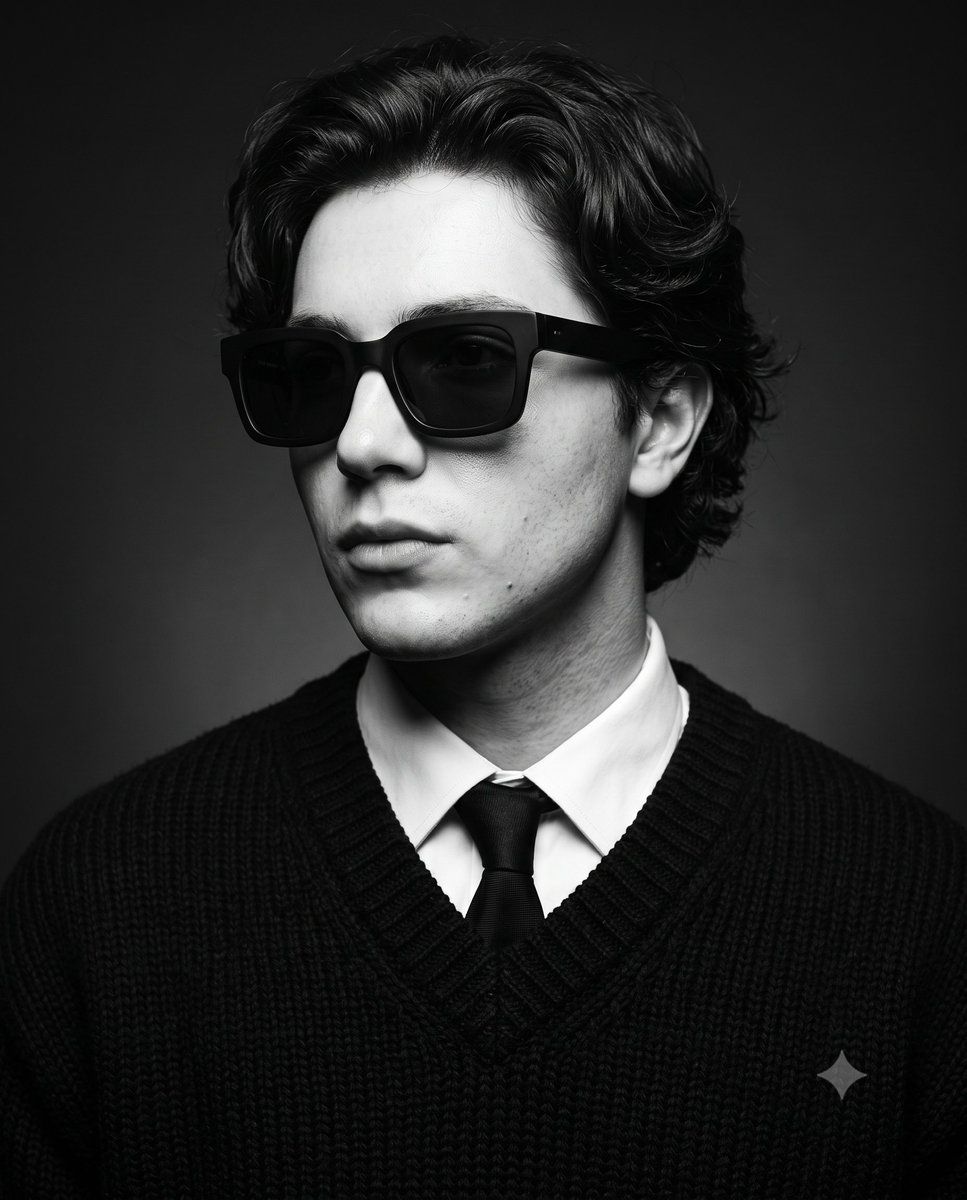
Result 1Gemini
A complete JSON prompt generating a museum-quality black-and-white luxury sunglasses campaign portrait with cinematic Rembrandt lighting, Tom Ford quiet-luxury styling, and full subject, lighting, camera, and grading specifications.
These example images come from the original source. DROPIDEA has not independently tested these examples; results depend on the model and settings.
Replace the red variables with your information. Copy the full prompt and use it with your preferred agent.
Noir Luxury Eyewear EditorialEditorial campaign title
image_profile.title
Example valueNoir Luxury Eyewear Editorial
Tom Ford elegance, Scandinavian minimalism, film noir, quiet luxuryReference aesthetics
image_profile.aesthetic
Example valueTom Ford elegance, Scandinavian minimalism, film noir, quiet luxury
20-28Model age range
subject.age_range
Example value20-28
textured messy quiffHair style
hair.style
Example valuetextured messy quiff
matte blackSunglasses frame color
eyewear.frame_color
Example valuematte black
black chunky knit V-neck sweaterOuter garment
wardrobe.outer_layer.type
Example valueblack chunky knit V-neck sweater
dark charcoal seamless backdropBackdrop type
environment.background_type
Example valuedark charcoal seamless backdrop
A prompt for creating a premium vertical four-panel streetwear campaign collage from an uploaded facial identity re...
A photorealistic image-generation prompt for a vertical summer portrait of a fictional adult Japanese woman in a st...
A prompt for a photorealistic fantasy fashion portrait featuring a woman with elven details, black and orange cloth...
An ultra-photorealistic fashion editorial prompt featuring a low-angle outdoor portrait in a suburban setting with...