Skip to content
ImagesFree

Object Split Into Blueprint and 3D Render

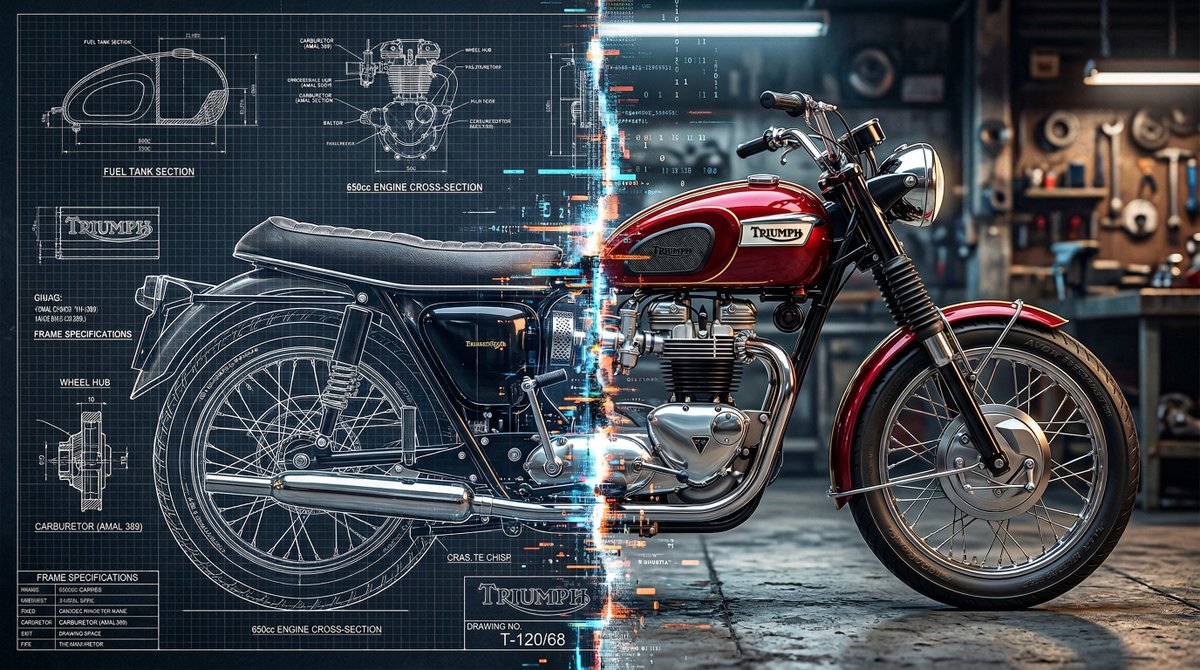
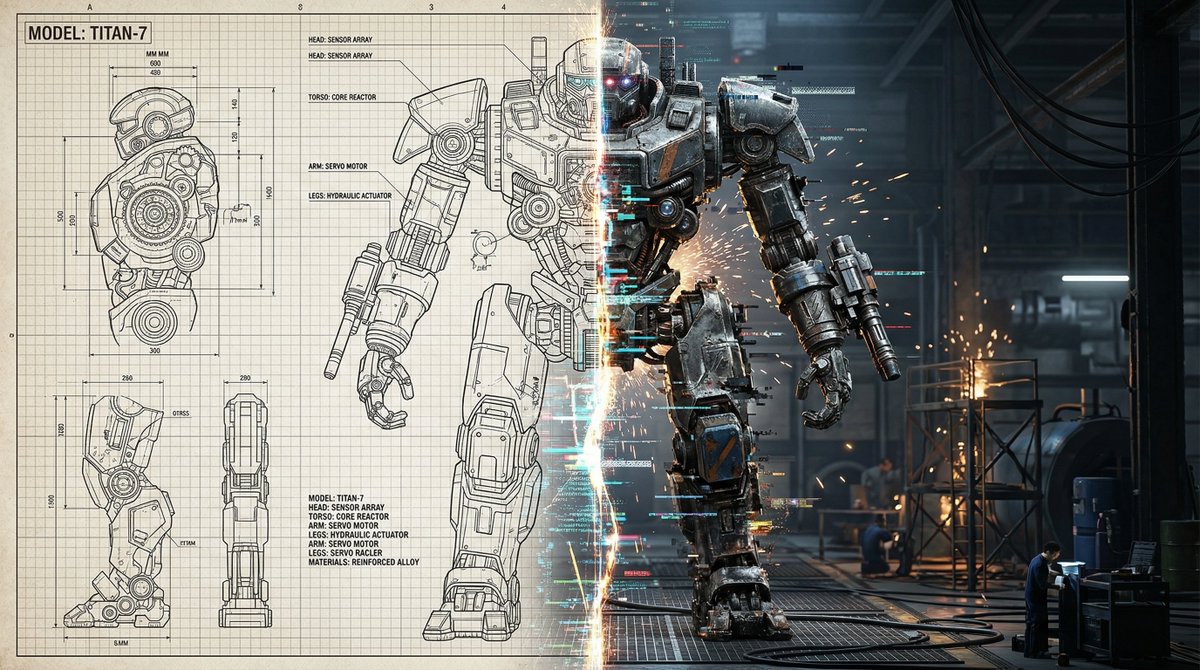
An image-generation prompt that slices any object in half vertically: the left side as a detailed technical schematic blueprint with grid lines and annotations, the right side as a polished 3D model render, with a flickering glitch effect at the center seam.

OpenAI

Source previews

These example images come from the original source. DROPIDEA has not independently tested these examples; results depend on the model and settings.
Ready to personalize

Your prompt

English

Replace the red variables with your information. Copy the full prompt and use it with your preferred agent.

TXT MD English version
https://t.co/VuEe8Ub8LV prompt: Pick any object and slice it in half vertically, the left side rendered as a detailed technical schematic blueprint with grid lines and annotations, the right side as a polished 3D model render, the center seam flickering and glitching where the two visual realities collide. #AIart #GPTImage2
Preview results

Your prompt

https://t.co/VuEe8Ub8LV prompt: Pick any object and slice it in half vertically, the left side rendered as a detailed technical schematic blueprint with grid lines and annotations, the right side as a polished 3D model render, the center seam flickering and glitching where the two visual realities collide. #AIart #GPTImage2

Variable guide

any object

The object to be sliced in half; replace it with a specific object.

The phrase "any object" at the start of the prompt, after "Pick".

Example value

a vintage wristwatch

What you get

  • An image of an object split vertically into two visually distinct halves.
  • A left side styled as a detailed technical schematic blueprint with grid lines and annotations.
  • A right side styled as a polished 3D model render.
  • A flickering glitch effect at the center seam where the two visual realities meet.

Use cases

  • Digital artwork and social media posts.
  • Poster and cover designs with a technical, futuristic feel.
  • Visual concepts for tech brands and design products.
  • Creative content highlighting the contrast between blueprint concept and rendered reality.

How to use

  • Copy the template as is, keeping the link and hashtags unchanged.
  • Replace "any object" with a specific object of your choice for a more precise result.
  • Paste the prompt into a text-to-image generation tool.
  • Generate the image and retry with a different object if needed.

Related prompts