Result 1OpenAI
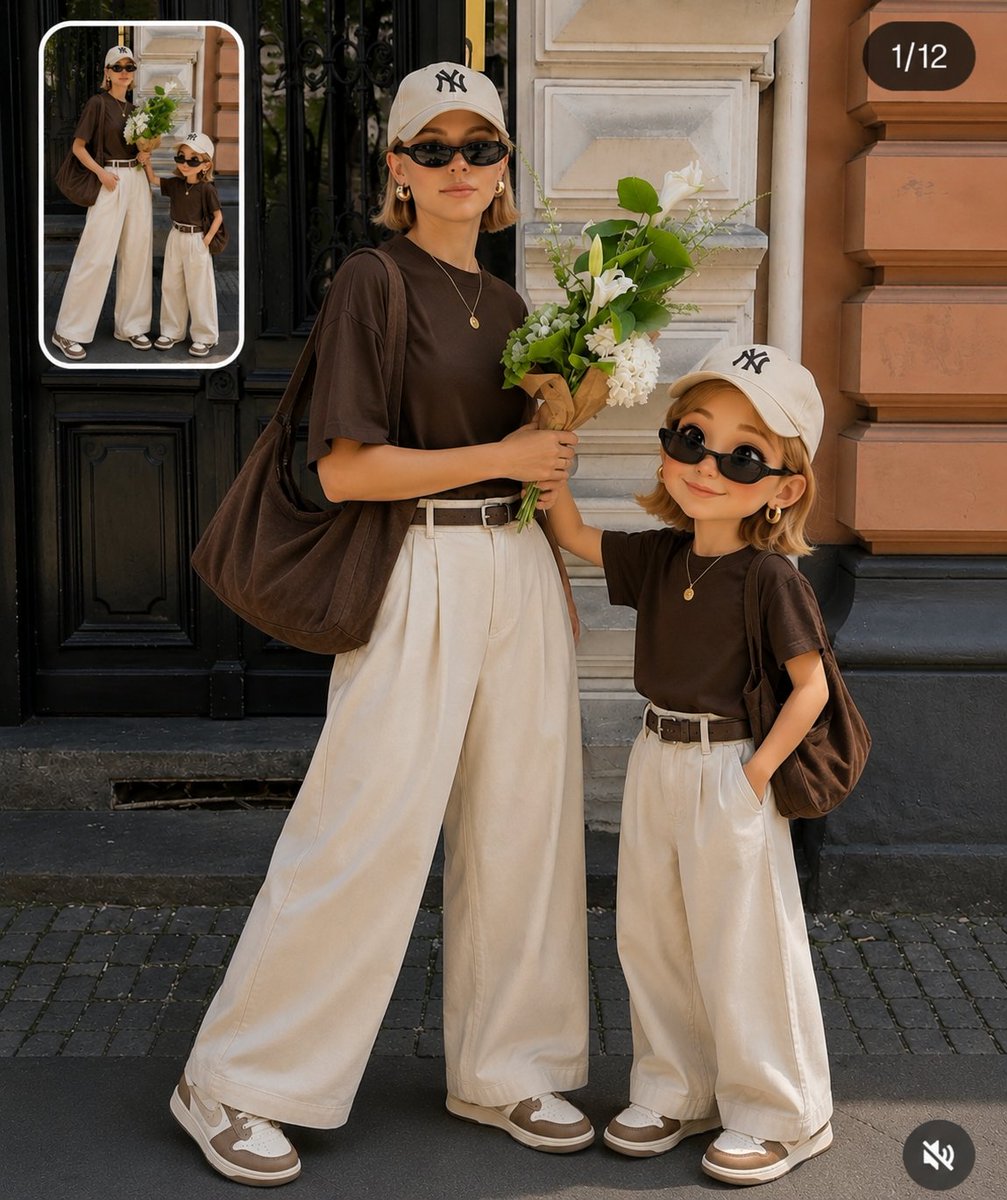
Transform an uploaded photo into a luxury fashion scene showing the original person beside a cute mini version of themselves, in matching stylish outfits on an elegant European street, with accurate facial identity.
These example images come from the original source. DROPIDEA has not independently tested these examples; results depend on the model and settings.
Replace the red variables with your information. Copy the full prompt and use it with your preferred agent.
chocolate-brown t-shirtsThe color of the matching oversized t-shirts; change it to any other color.
Second paragraph, within the matching outfit description.
Example valueoversized black t-shirts
bouquet of fresh white flowersThe bouquet held by the adult version; change its type or color.
Second paragraph, within the adult version description.
Example valuebouquet of fresh red flowers
elegant European-style city streetThe shooting location and style; replace it and adjust the building description accordingly.
Third paragraph, start of the backdrop description.
Example valueelegant Japanese-style city street
matching beige baseball capsThe color of the matching baseball caps.
Second paragraph, within the accessories list.
Example valueblack baseball caps
A prompt for creating a premium vertical four-panel streetwear campaign collage from an uploaded facial identity re...
A photorealistic image-generation prompt for a vertical summer portrait of a fictional adult Japanese woman in a st...
A prompt for a photorealistic fantasy fashion portrait featuring a woman with elven details, black and orange cloth...
An ultra-photorealistic fashion editorial prompt featuring a low-angle outdoor portrait in a suburban setting with...