
Mo3een — Business & Customer Management Platform
CRM, sales, invoicing & collection, automation and reports — with a mobile app.
Open the systemAbout the system
It serves both single businesses and multi-branch companies: each branch has its own organisation, data and team permissions, with fast switching between them from the same account.
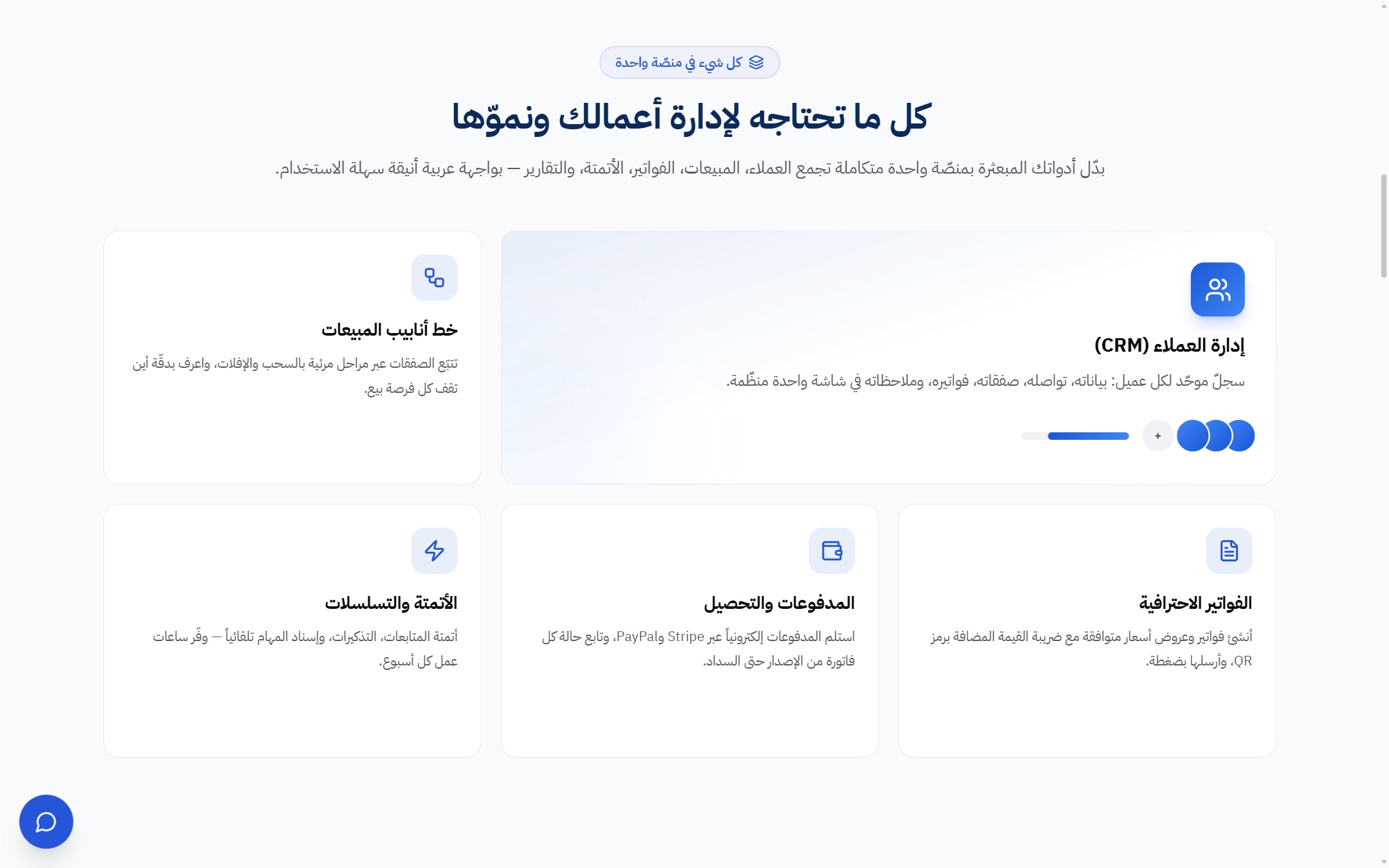
Invoicing runs a full cycle: invoice templates and pricing plans, a payment link shared with the customer, electronic collection through a payment gateway, and tracking of payments and overdue balances.
All of it is managed from a comprehensive admin panel (users, subscriptions, plans, payment gateways, site content, articles, languages and translation), with a mobile app on iOS and Android to follow the business from anywhere.
Key features
- CRM and sales pipeline
- Invoicing and online collection
- Single and multi-branch companies
- Automation and measurable reports
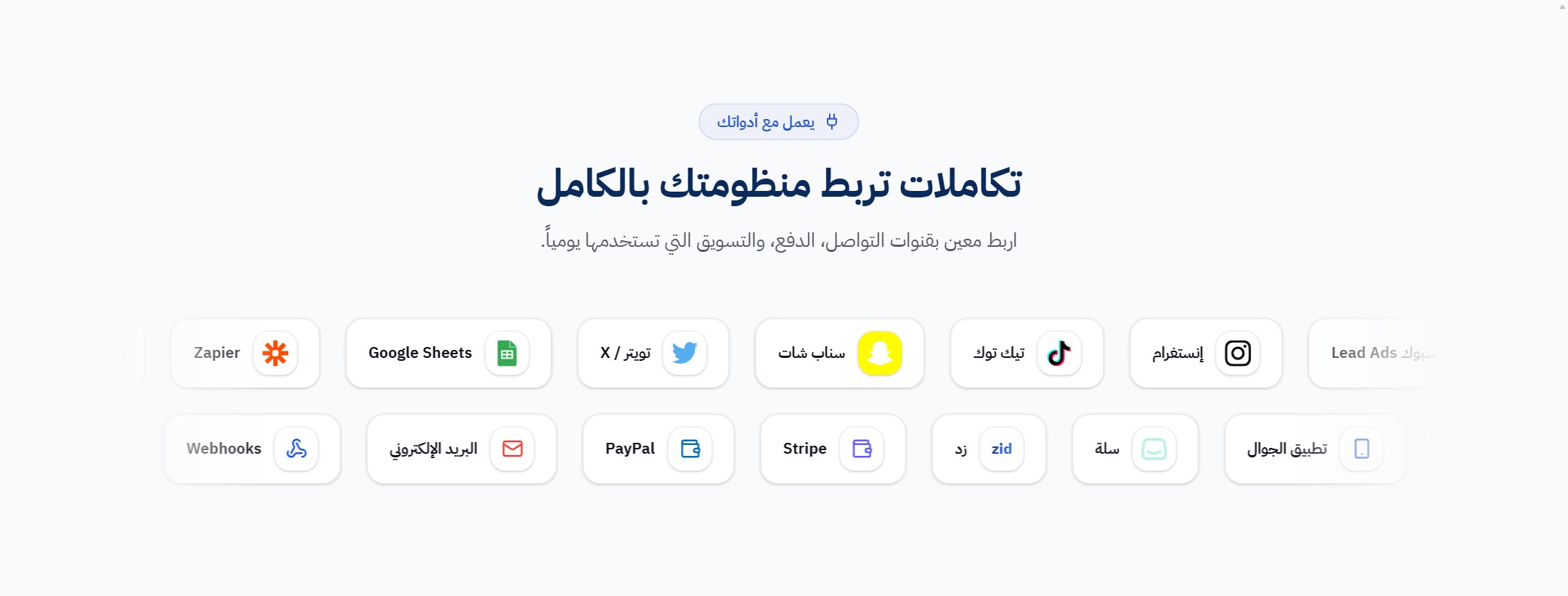
- Messaging, payment & marketing integrations
- iOS and Android mobile app
A guided tour of the platform
Real interface shots with a short note on what each screen does.
 Click to enlarge
 Click to enlarge
 Click to enlarge
 Click to enlarge
 Click to enlarge
How registration works
Signing up to Mo3een is self-service and direct: you create your company account yourself and start with no credit card, and the whole setup — from registration to the first collected invoice — can be done on day one.
-
1
Step 1
Create your account and register your business — single or multi-branch — in a minute, with no credit card.
-
2
Step 2
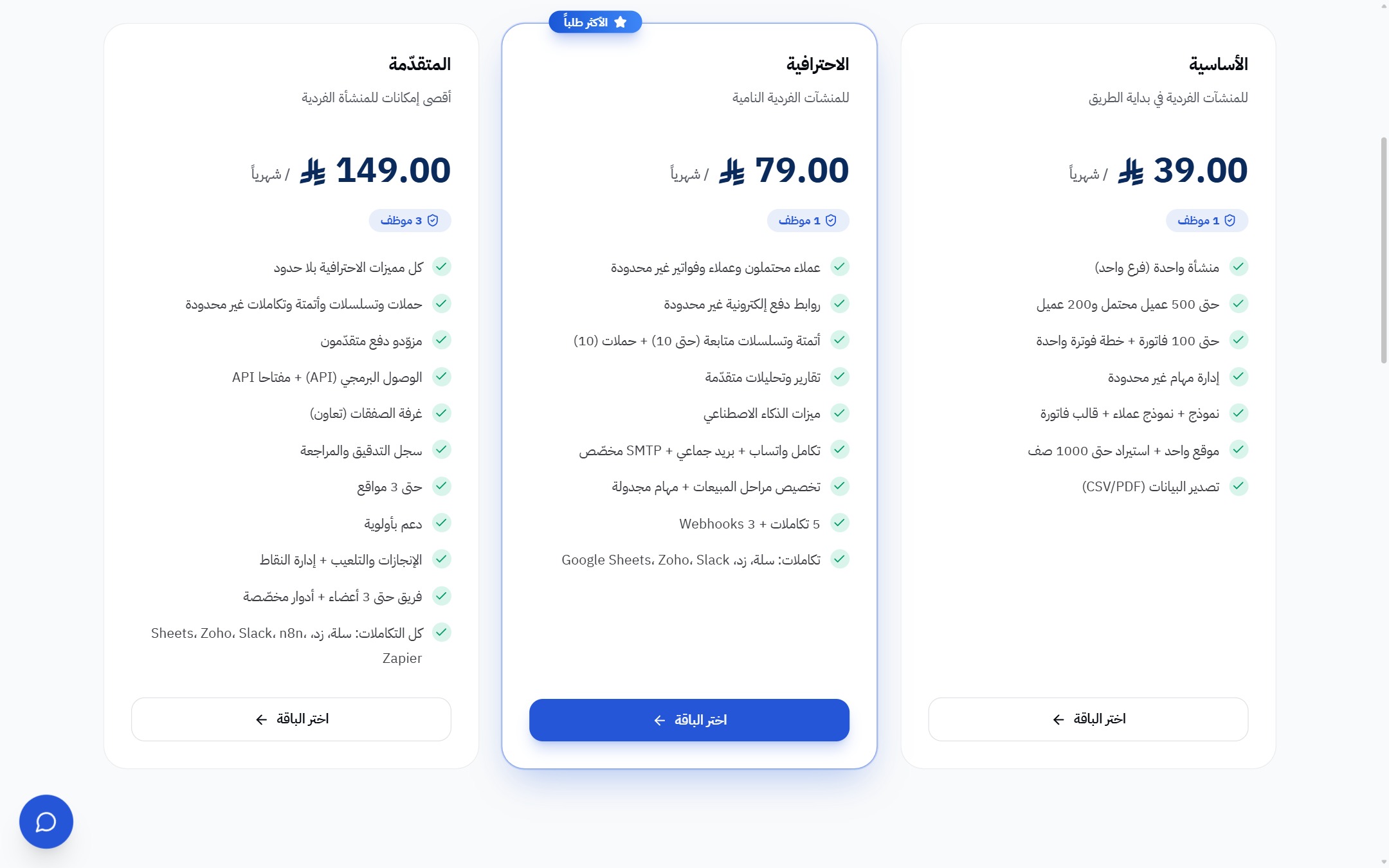
Choose the plan that fits your team size, or start with the free trial first.
-
3
Step 3
Import your customers from an Excel/CSV file (up to 10,000 rows), or start from scratch.
-
4
Step 4
Set up your workflow: sales stages, invoice templates and automation to match your activity.
-
5
Step 5
Connect your channels: email, WhatsApp and the payment gateway, so invoices are delivered and collected online.
-
6
Step 6
Follow everything from a single dashboard — or from the mobile app on iOS and Android.