
BOITR — Content Creators Platform
Link pages, plans & subscriptions, multi-gateway payments, user & admin panels.
Open the systemAbout the system
The platform is built on plans and subscriptions with granular permissions: each plan defines how many link bars, icons, products and features are available, and those limits are enforced on the server — not just in the interface — and change the moment a subscription is upgraded.
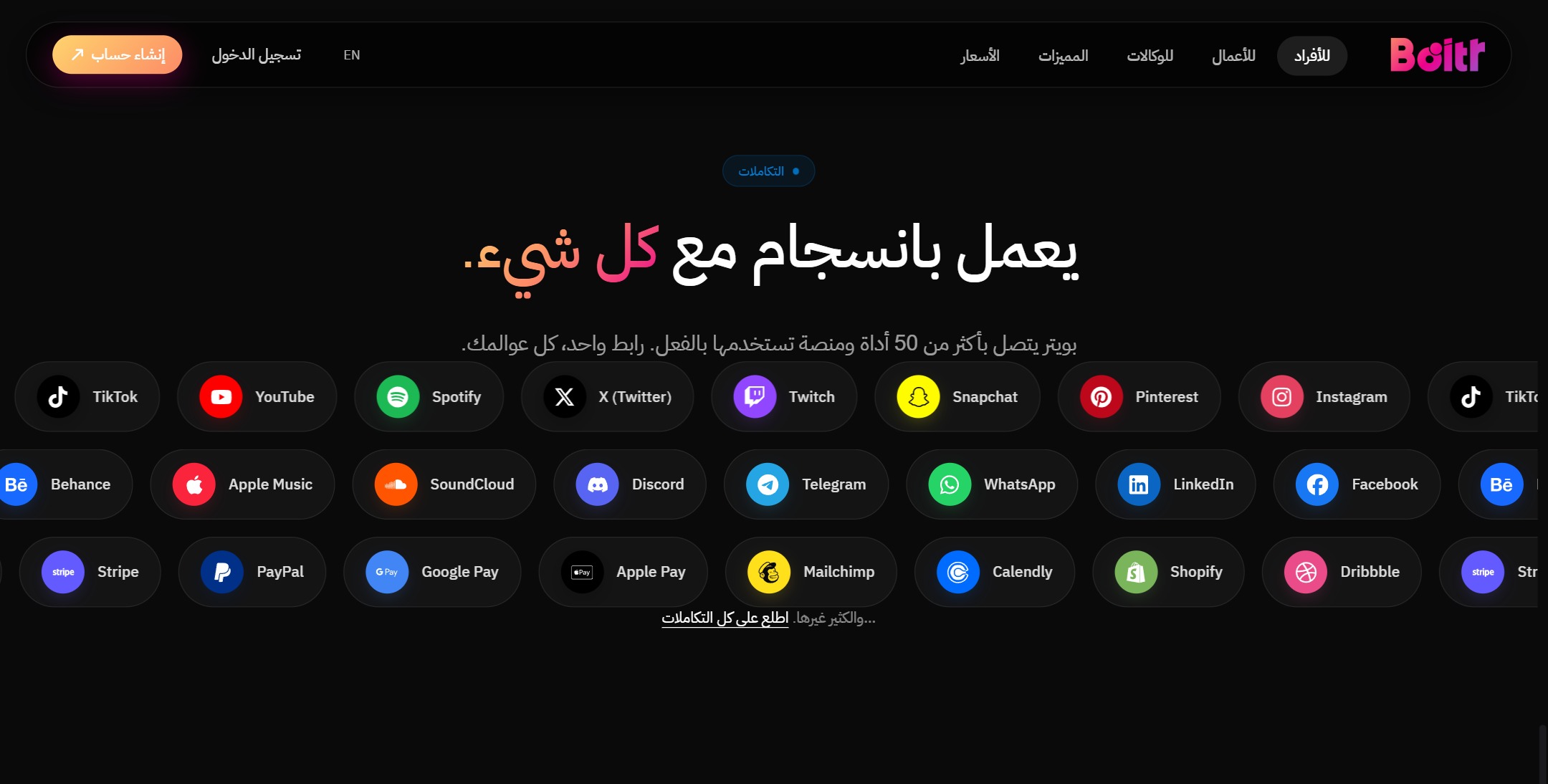
For collecting money there are six payment gateways (Stripe, Tap, PayPal, MyFatoorah, Checkout and Payoneer) with a selectable default gateway, and a checkout page supporting Apple Pay, Google Pay and mada.
All of it is managed from two React panels: a creator panel for building the page and tracking subscription and sales, and a full admin panel for plans, permissions, users and payments.
Key features
- Creator link pages
- Plans, subscriptions & permissions
- 6 payment gateways
- User & admin panels
A guided tour of the platform
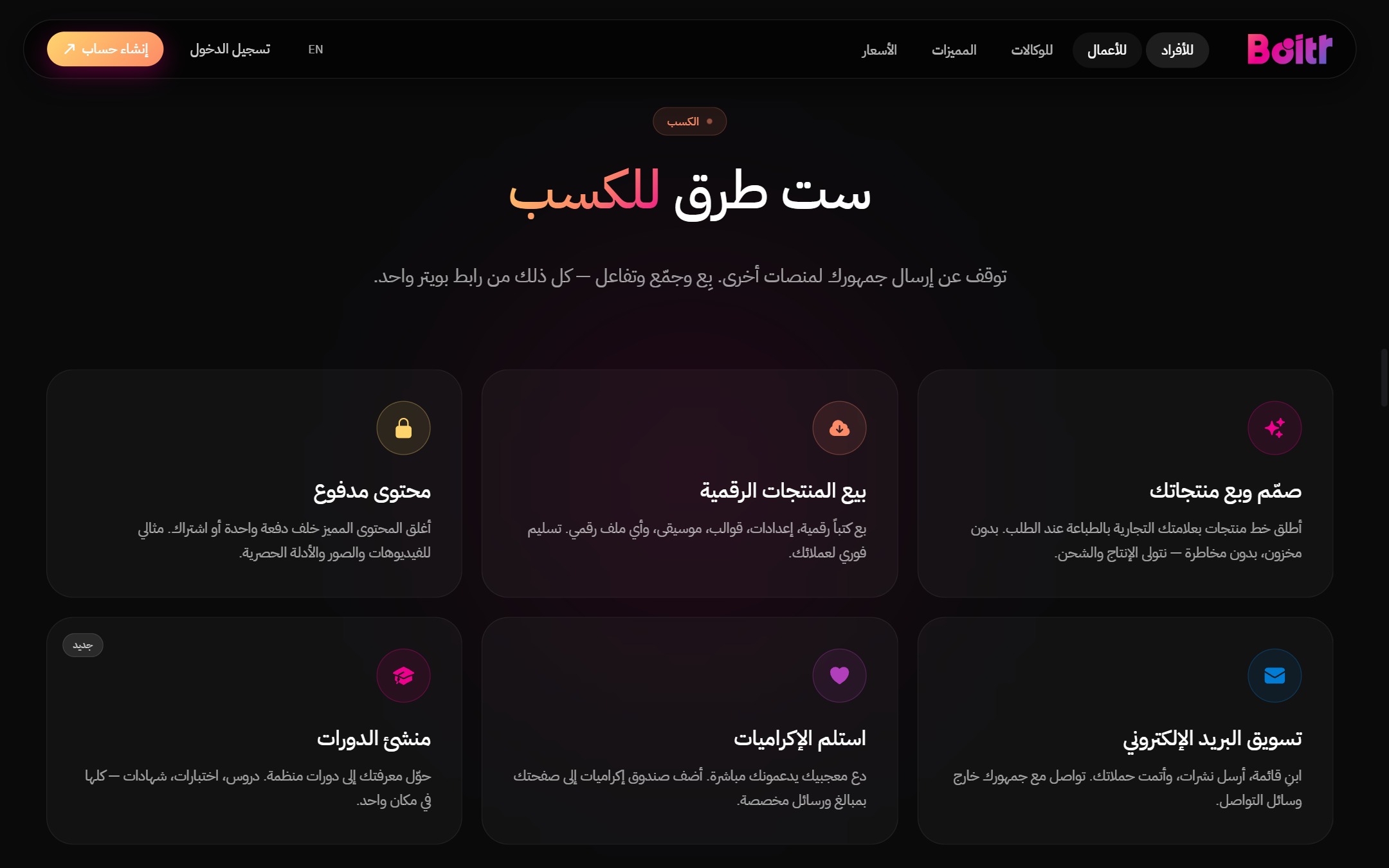
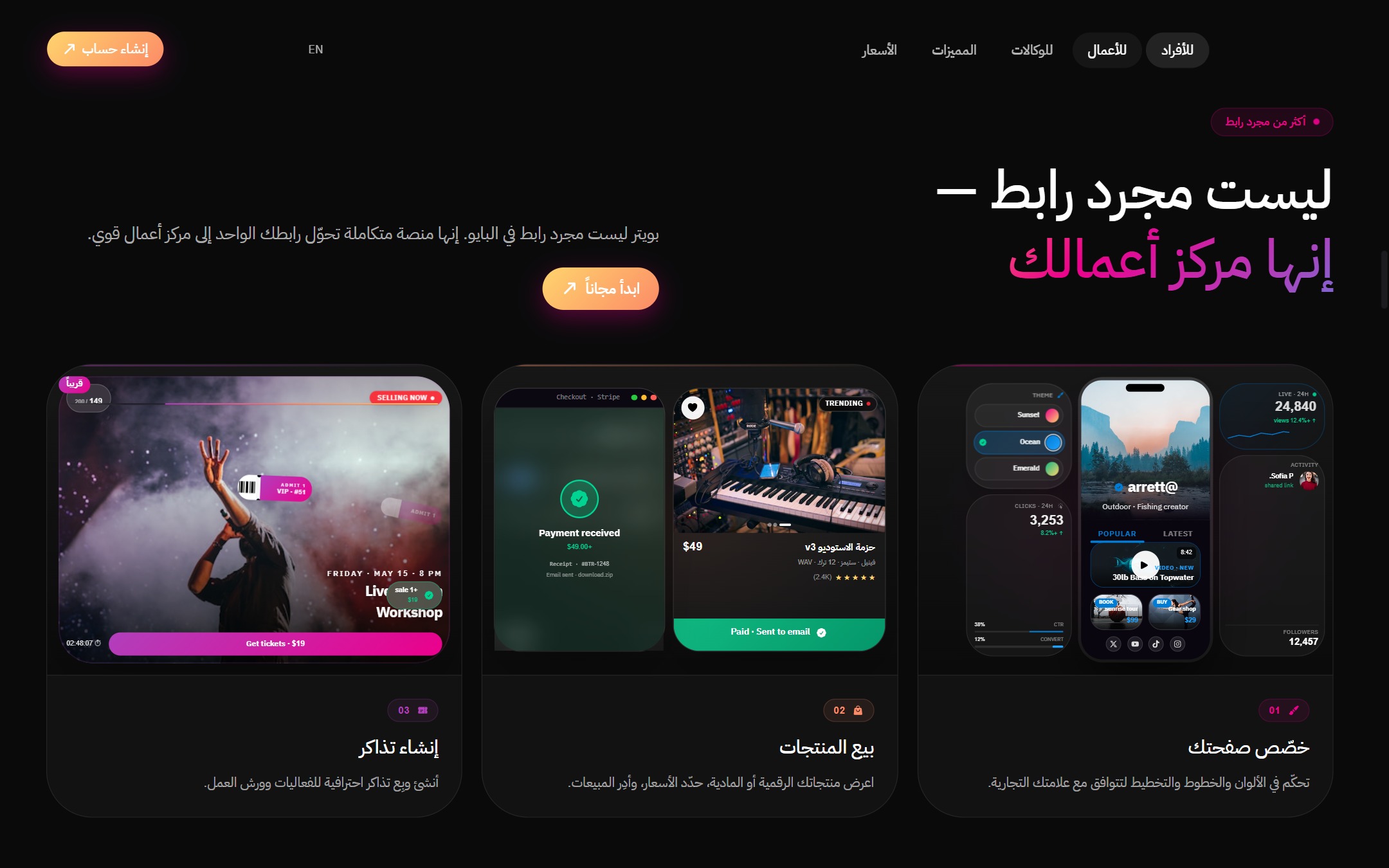
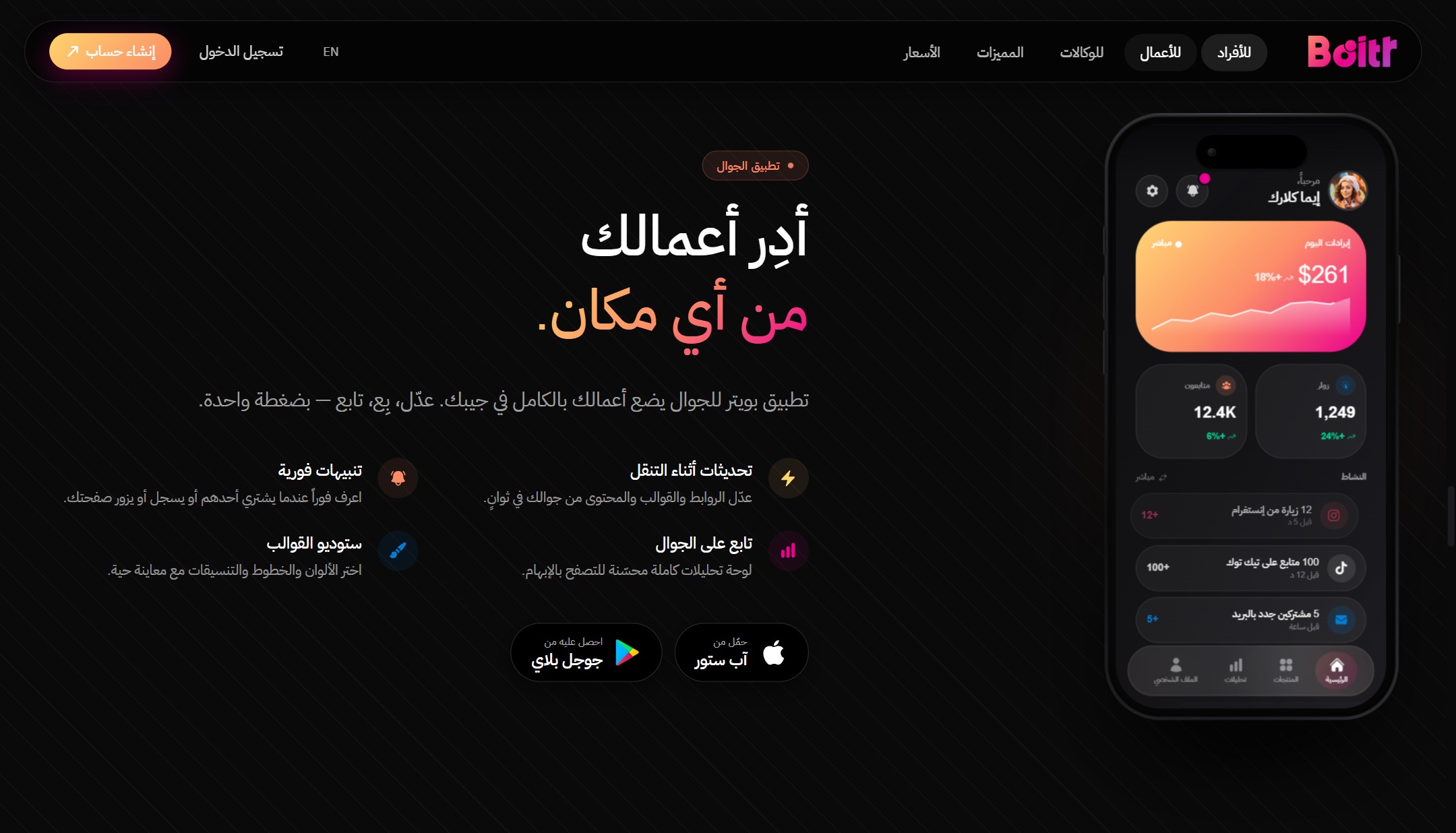
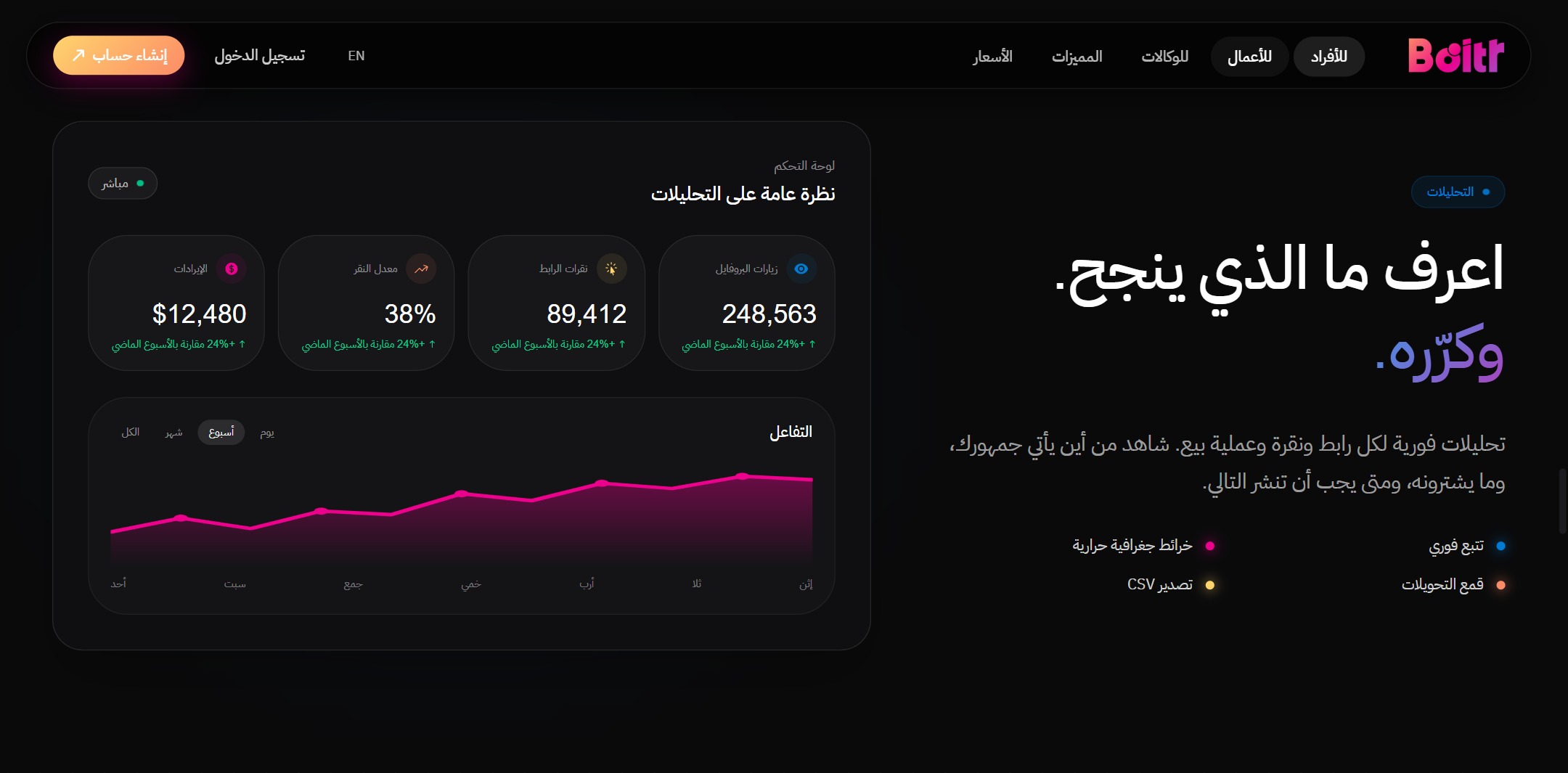
Real interface shots with a short note on what each screen does.
 Click to enlarge
 Click to enlarge
 Click to enlarge
 Click to enlarge
 Click to enlarge
 Click to enlarge
How registration works
Signing up to BOITR is open and immediate: you create your own account and start right away on the free plan with no payment details, then upgrade whenever you need wider limits — the new features unlock the moment payment is confirmed.
-
1
Step 1
Open the platform, click “Create account” and register with your email and a password.
-
2
Step 2
Choose your public page handle — the link you share with your audience in your bio.
-
3
Step 3
You start on the free plan automatically: add your links and your social account icons.
-
4
Step 4
Customise the look of the page from the themes and colours to match your visual identity.
-
5
Step 5
Enable the payment gateway that suits you if you want to sell your products or courses from the page itself.
-
6
Step 6
When you need wider limits, upgrade from the plans page — features unlock right after payment is confirmed.